
TL;DR
- GSAP went 100% free on April 30, 2025, with previously paid plugins included. Commercial use is allowed under its custom licence, which restricts competing visual animation builders. It is a strong option for scroll and complex timelines.
- Motion (the library formerly called Framer Motion, independent since 2024) is an option for React interfaces, with a documented ~5 KB initial bundle if you use the LazyMotion pattern.
- Anime.js supports plain JavaScript animation, timelines and scroll triggers; Lottie plays exported designer-made animations, subject to a renderer-specific supported-feature list.
- AOS adds scroll reveals through HTML attributes and a small JavaScript setup. Native CSS/WAAPI can handle many effects without a third-party library.
- The library is a separate decision from the animation look you want. There is no single best, only the best for the job.
- Choose GSAP for scroll storytelling; choose Motion for React UI; choose CSS when a library would be overkill.
👉 Skip the guesswork: MoreMagpie is being built to help you compare animation approaches, see the catch on each, and hand your AI builder a clearer brief, join the waitlist.
Everyone Asks "Which Animation Library Is Best." That's the Wrong Question.
You tell your AI builder "add some nice animations." It hands you a list of names: GSAP, Framer Motion, Anime.js, Lottie.
Now what? You have no idea which to pick, why it matters, or what any of them cost you in page weight.
Here's the thing nobody tells a non-technical founder: the library is a separate decision from the animation look you want. The first answer isn't the whole picture.
There is no single best web animation library in 2026. There is only the best one for a specific job.
Here's what we'll cover:
- do you even need a library
- 7 libraries, ranked by job
- the quick compare table
- which one fits you
- what to tell your builder
Before You Pick Any Library: CSS First

The cheapest animation library is no library.
Native CSS handles hover states and fades. Scroll-driven animations, @starting-style and view transitions extend what the browser can do, but check support for your target browsers. They did not all arrive in 2026.
Reach for a library when it meaningfully simplifies the job. CSS can sequence effects too, while JavaScript and WAAPI can coordinate interactions and app state without a third-party animation library. A library can make complex control easier; it is not always required.
The catch: adding a library when CSS was enough just ships extra weight for no gain. That's bundle size your visitors download for nothing.
Start by asking: is this a hover and a fade, or is it a choreographed sequence? That answer decides everything below.
The 7 Web Animation Libraries, Ranked by Job
One library, one job. That's the honest way to read this list.
The technical descriptions below come from the linked official documentation. The “best if” lines are editorial guidance, not comparative benchmarks or proof that these tools were tested together.
1. GSAP: Scroll, Timelines, and Complex Sequences
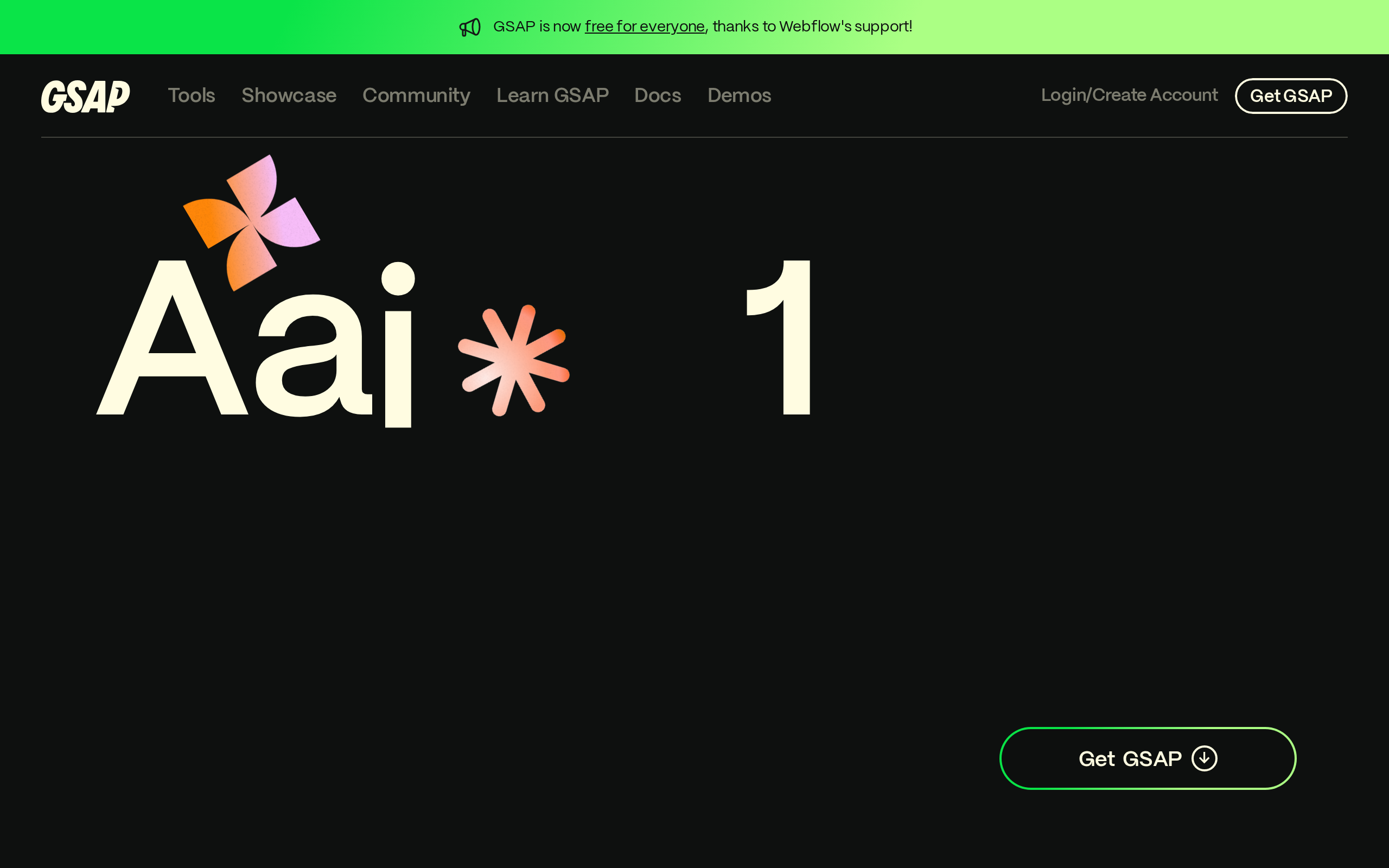
What it does: GSAP (GreenSock Animation Platform) is a framework-agnostic animation engine. It drives tweens, timelines, scroll-triggered effects, and SVG morphing across vanilla JS, React, Vue, Svelte, and Angular.
Stands out for: ScrollTrigger and a timeline system that help coordinate scroll effects and multi-step animation.
Worth noting: Include only the features you need and measure your page. Complex timelines need developer knowledge; a library name alone does not determine download weight or performance.
Pricing: Webflow made the formerly paid plugins available without charge on 30 April 2025. GSAP uses a custom Standard No Charge licence, not MIT: competing visual animation-building products need separate permission. ScrollTrigger and Flip were already free before that change.
Best if: You want complex scroll storytelling, multi-step timelines, or SVG morphing.
Previously paid plugins became available without a subscription.
2. Motion (formerly Framer Motion): React UI State Animations
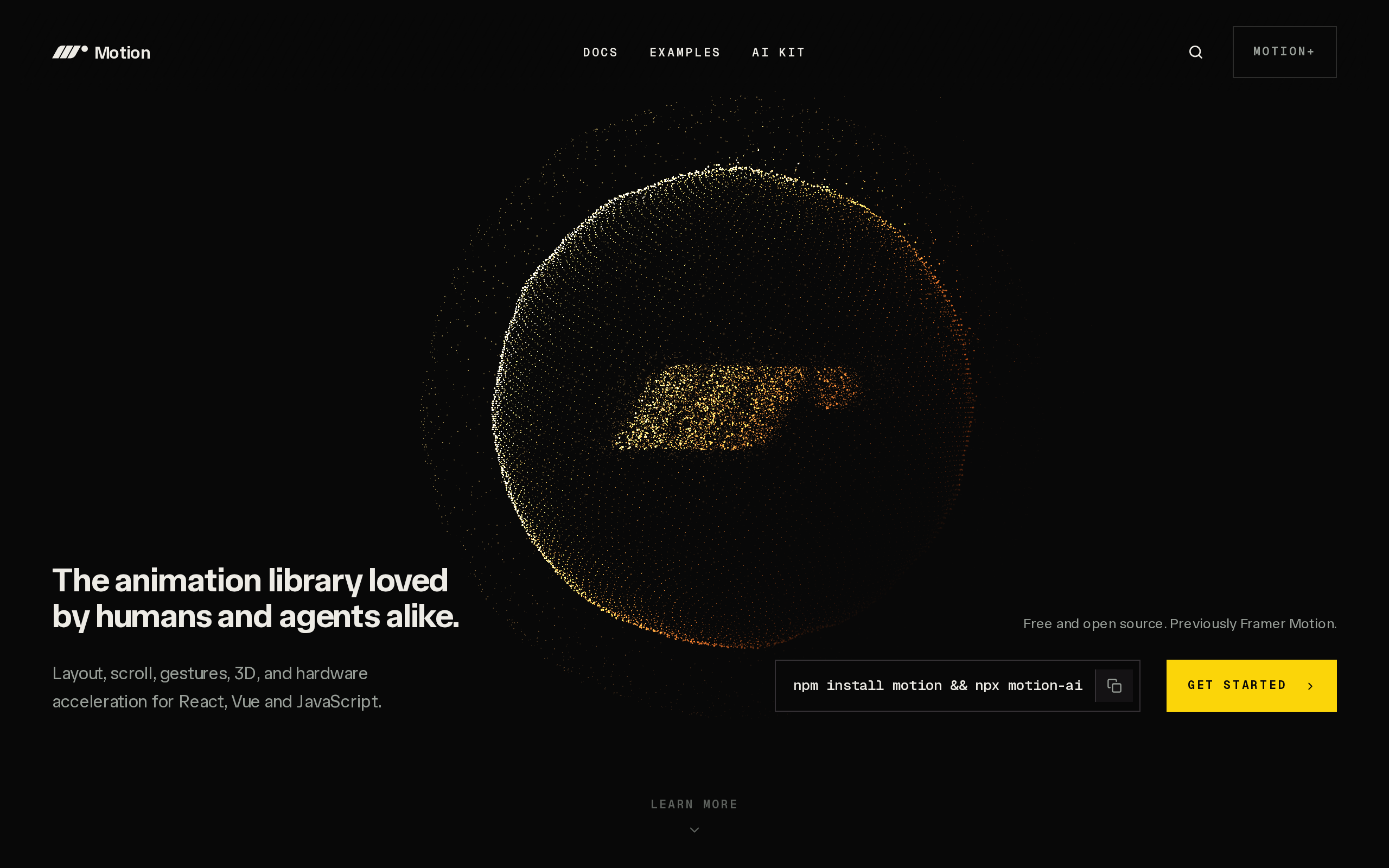
What it does: Motion is a declarative animation library for React. You describe the end state and it animates there, handling entrance, exit, and gesture-driven transitions.
Stands out for: Declarative React transitions and lazy loading. The current LazyMotion documentation gives about 5 KB for the initial m plus LazyMotion pattern, with extra features loaded separately.
Worth noting: Motion became independent in 2024. The React import is motion/react; Motion also has non-React APIs. Its docs currently describe the full motion component at around 43 KB, so compare the same imports and build method when measuring.
Pricing: MIT open source, free.
Best if: You are building in React and need UI transitions, presence animations, or gesture interactions.
3. Anime.js: Lightweight Tweens Without the Overhead
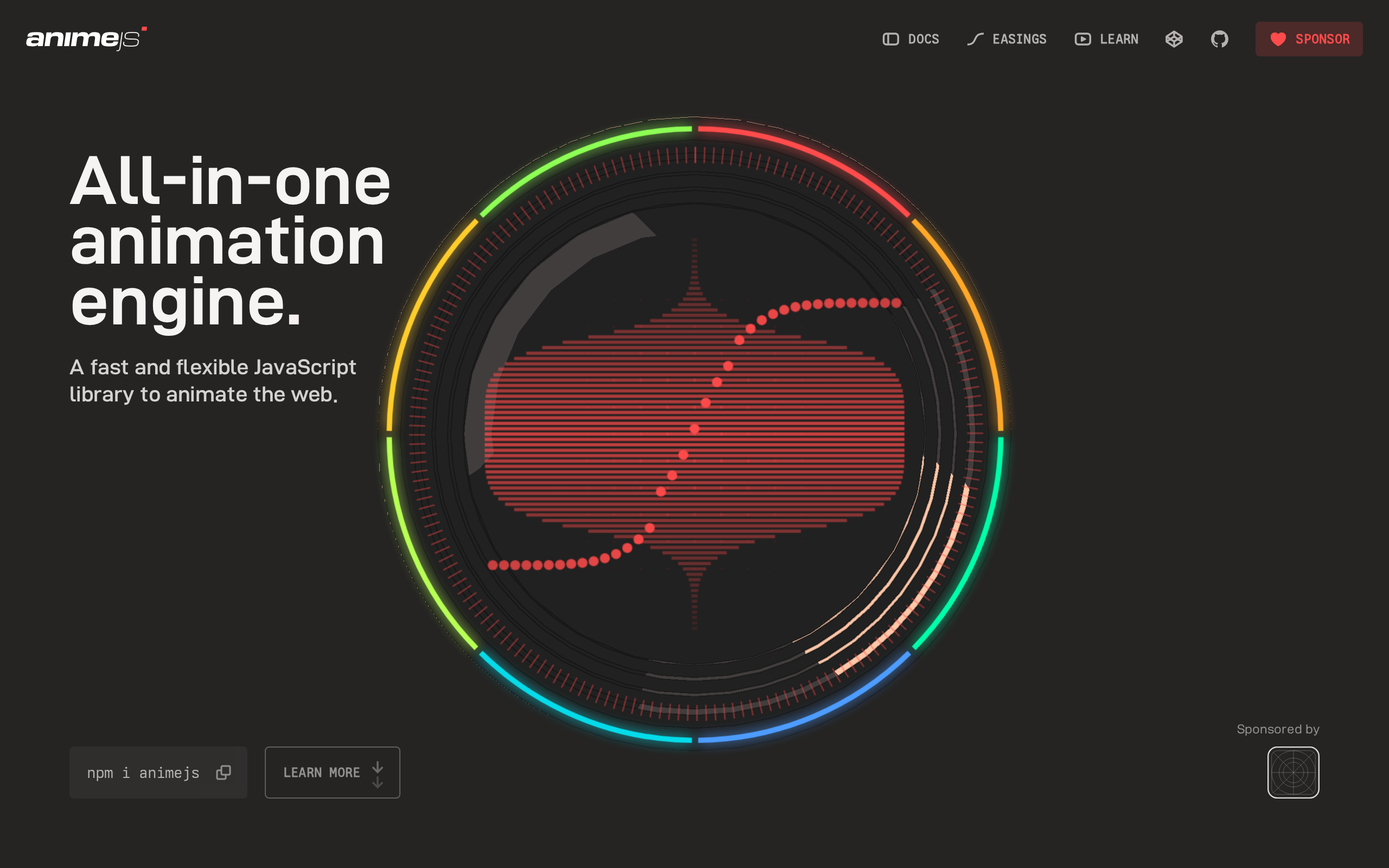
What it does: Anime.js is a lightweight tween engine. It animates CSS properties, SVG attributes, DOM attributes, and plain JavaScript objects, with built-in timeline support.
Stands out for: Animation and timelines without requiring a UI framework.
Worth noting: Anime.js v4 includes onScroll() for triggering and synchronising animations. Its API differs from v3, so check which version an example uses.
Pricing: MIT open source, free.
Best if: You want clean tweens in vanilla JS or any framework, with imports chosen for the effects you need.
4. React Spring: Physics-Based Motion in React
What it does: React Spring is a spring-physics engine for React. Instead of fixed durations and easing curves, it models real-world motion so movement feels natural.
Stands out for: It pairs cleanly with react-three-fiber for 3D React scenes, and the physics model gives UI motion a hand-crafted feel.
Worth noting: The mental model is steeper than Motion's for simple cases. Spring configs need tuning, or your animations over-bounce.
Pricing: MIT open source, free.
Best if: You are in React and "feels natural" matters more than exact timing, think product UIs, interactive data viz, or 3D scenes.
5. Lottie: Designer-Made Animations, Played Back in the Browser
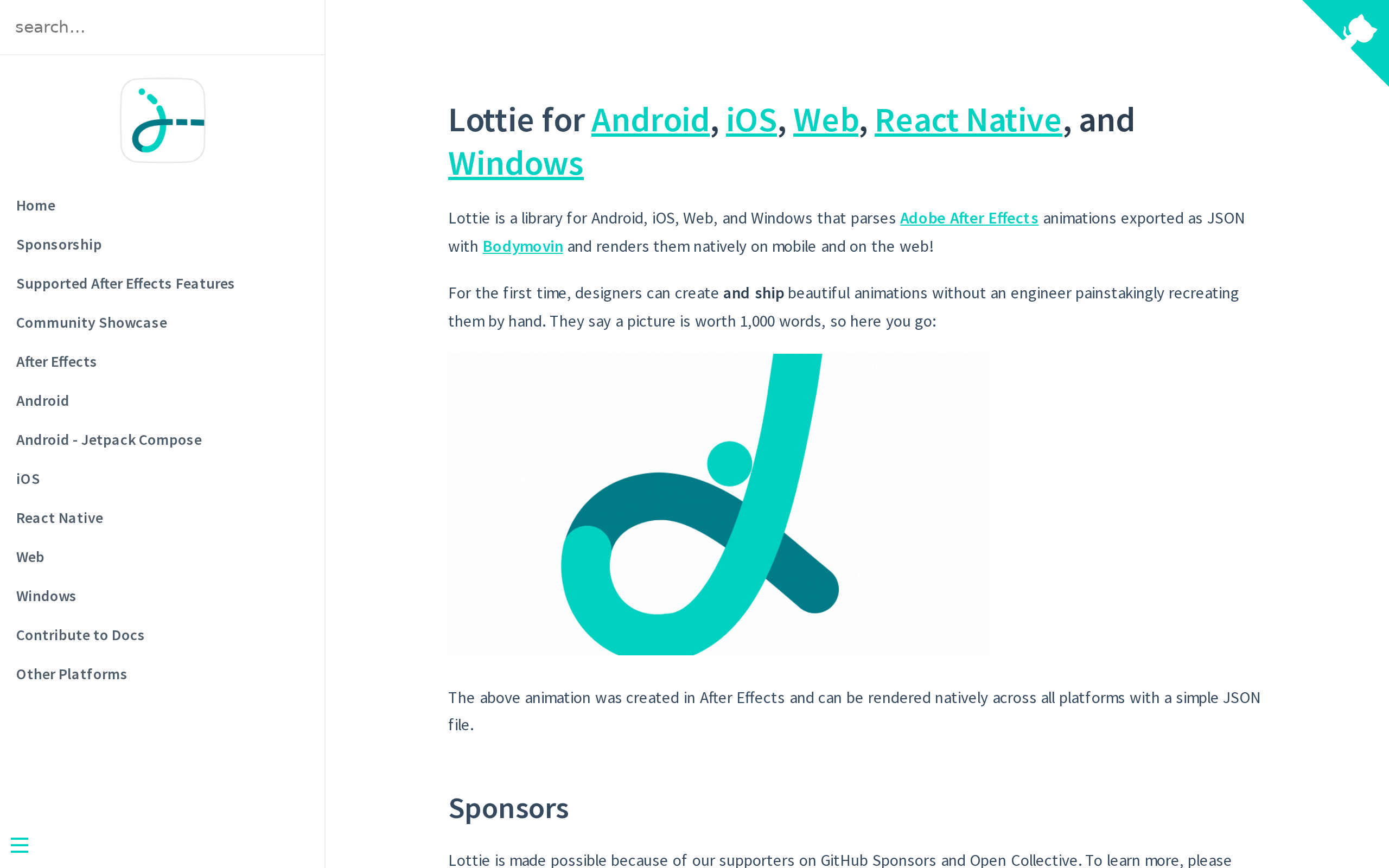
What it does: Lottie plays animations that a designer builds in After Effects and exports as JSON via the Bodymovin plugin. Airbnb open-sourced the players on February 1, 2017.
Stands out for: A clean handoff. Designers own the animation, developers just drop in the file. Check the exported file in the player and renderer you will actually use.
Worth noting: After Effects features do not all transfer. Check the supported-feature matrix for the target player and renderer. Large files can add weight. Lottie playback can respond to user input; Rive is another approach to investigate for richer state-driven animation, not the only way to add interaction.
Pricing: MIT open source, free.
Best if: You need loading spinners, brand logos, or onboarding illustrations that a designer hands you as a file.
6. AOS (Animate On Scroll): Simple Scroll Reveals
What it does: AOS adds scroll-triggered reveal animations through HTML data-aos attributes. You write no JavaScript animation logic at all.
Stands out for: Quick reveal effects using HTML attributes, its stylesheet and a JavaScript initialisation call. See the AOS setup.
Worth noting: It is focused on reveal effects rather than a general animation timeline. Check whether native CSS already covers your browser audience, and respect reduced-motion preferences.
Pricing: MIT open source, free.
Best if: You want quick scroll reveals on a marketing or landing page and nothing more complex.
7. CSS and WAAPI: The No-Library Option
What it does: Native browser animation through CSS @keyframes, transitions, and the Web Animations API (WAAPI). Other browser features include scroll-driven animations, @starting-style and view transitions, with support varying by browser.
Stands out for: No third-party animation runtime to download or maintain. Your own styles and JavaScript still have a cost. For simple effects, this is often the right answer.
Worth noting: CSS can sequence effects; JavaScript helps coordinate changing state and interactions. Check browser support, keyboard access and reduced-motion behaviour.
Best if: You need hover states, fades, single-element reveals, or anything where a library would be overkill.
Sometimes the best library is the one you never installed.
How They Compare: The Quick-Reference Table
Here is every option side by side, by the numbers.
| Library | Useful for | Weight to check | Framework | Licence / cost |
|---|---|---|---|---|
| GSAP | Scroll, timelines, SVG morph | Selected engine and plugins | Framework-independent | No-charge custom licence; competing visual-builder restriction |
| Motion | React transitions and gestures | Docs: about 43 KB full component, about 5 KB initial LazyMotion pattern | React and other APIs | Core MIT; optional paid products separate |
| Anime.js | Tweens, timelines and scroll | Your selected v4 imports | Framework-independent | MIT |
| React Spring | Spring-based UI motion | Target package and imports | React | MIT |
| Lottie | Designer-exported animations | Player plus animation files | Framework-independent player | lottie-web MIT; authoring tools and artwork separate |
| AOS | Simple scroll reveals | Script plus stylesheet | Framework-independent | MIT |
| CSS / WAAPI | Browser-native effects | Your own CSS and JavaScript | Framework-independent | Built into the browser |
These are not like-for-like bundle benchmarks. All have a no-charge route, but licences, authoring tools, implementation work and performance still matter.
Which Should You Pick?
Match the library to your situation:
- Complex scroll stories or SVG morphing: GSAP is worth comparing for ScrollTrigger and timelines.
- React UI transitions and gestures: Motion is a useful option to evaluate.
- Natural, physics-y React motion or 3D: React Spring, especially with react-three-fiber.
- Lightweight tweens in vanilla JS: Anime.js.
- A designer handed you an animation file: check Lottie player support; investigate Rive if you need a different interactive authoring workflow.
- Quick landing-page reveals, minimal setup: AOS.
- Hovers, fades, or anything simple: CSS and WAAPI. Skip the library.
Can you use GSAP and Motion together? Yes, in principle, but give each control of distinct elements or properties and clean up effects correctly. Check versions, lifecycle behaviour and page weight in your implementation; this article does not certify a combined integration.
And do you even need any of these? Often no. The honest answer is to start with CSS and only add a library when the job genuinely demands it.
How MoreMagpie Helps You Choose and Brief an Animation Approach
MoreMagpie is in development, with the waitlist open. This section describes the experience being built, not a promise that every route in this guide is available in the public app.
You just read seven options. If you are non-technical, that list is still a wall of names until someone translates it into a decision.
That is the gap MoreMagpie is built for.
What we are building: MoreMagpie is being developed to help non-technical founders and AI builders compare approaches, costs, and trade-offs for the same idea. For animation, that means separating two decisions that get tangled together: the look you want, and the tool that delivers it.
Why it helps: For every suggested tool or approach, MoreMagpie aims to show what it does, why it helps, how it connects to the rest of your stack, and the costs, limits, and questions still to answer. So you learn the catch before the build starts, not after.
What you walk away with: Not a single recommendation presented as the only option, but a clearer brief for your usual AI builder. The intended result is guidance on what to ask your builder and what still needs checking.
Worth noting: MoreMagpie is early and is currently gathering waitlist signups. It does not animate anything itself. Its intended role is to help you choose and brief, then you build.
More possibilities, clearer choices, a better brief.
Frequently Asked Questions
What is the best JavaScript animation library?
There is no single best one. It depends on the job. GSAP wins for scroll and complex timelines, Motion for React UI, Anime.js for lightweight tweens, React Spring for physics-based motion, and native CSS for simple hovers and fades. Match the library to the task, not the hype.
Is GSAP free?
GSAP and its formerly paid plugins are available without charge for permitted uses. Commercial work is allowed, but its custom licence restricts products that compete with Webflow’s visual animation-building functionality unless separately authorised. It is not an unrestricted MIT licence.
Is Framer Motion the same as Motion now?
Essentially yes. Framer Motion became an independent project and was renamed Motion in 2024. The npm package is now motion (previously framer-motion), and the React import is motion/react. It is the same declarative React animation library, just under a new, framework-neutral name.
Do I still need a JavaScript library, or is CSS enough?
CSS covers many hovers, fades and reveals. Browser-native APIs can also handle more complex effects, depending on support and your implementation. A JavaScript library can simplify coordination, but is not mandatory for every sequence or interactive effect.
What is a Lottie animation?
A Lottie animation is a vector animation created in After Effects, exported as a JSON file through the Bodymovin plugin, and played back in the browser or app by the Lottie player. Airbnb open-sourced it in 2017. It is ideal for loading spinners, logos, and onboarding illustrations.
Can I use GSAP and Framer Motion together in a project?
They can coexist if you separate ownership of animations and check lifecycle cleanup, versions and page weight. Avoid both writing conflicting values to the same property. This is an integration to verify, not a promise of automatic compatibility.
Conclusion
Picking a web animation library is a job-matching decision, not a popularity contest. GSAP for scroll, Motion for React, CSS for the simple stuff, and so on down the list.
The honest reality check: none of these libraries animate anything on their own. Someone still has to implement them, and that implementation decision shapes your bundle size, your complexity, and your maintenance load as much as the library name does.
That is where MoreMagpie fits. It is being built to help you compare the approaches, see the catch on each, and carry a clearer brief into your AI builder, so you choose on purpose instead of accepting the first answer. MoreMagpie is early and gathering waitlist signups now, join the waitlist to get in.