
TL;DR
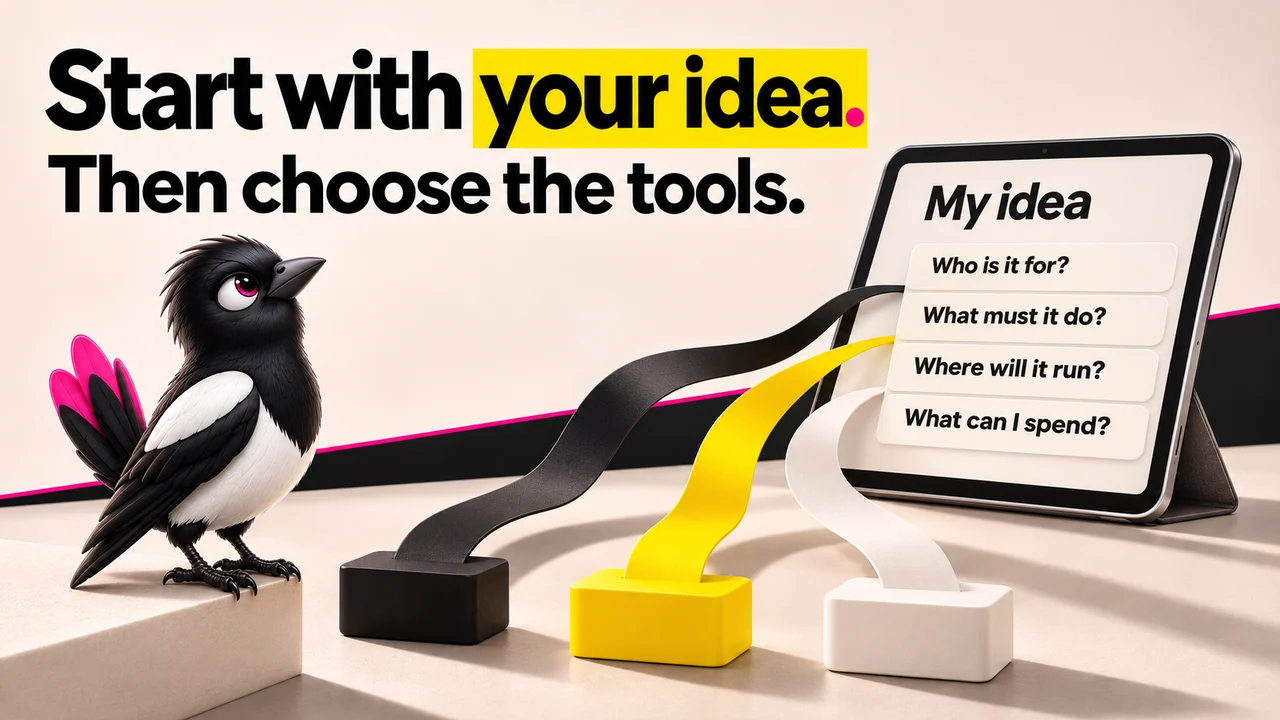
- The best tools for non-technical founders split into four jobs: validate, build, automate, and launch. Pick the job first, then the tool.
- Gartner projects 70% of new enterprise apps will use low-code or no-code by 2026, up from under 25% in 2023. The tools are ready for you.
- Cheapest real starting points: Lovable at $25/month, Replit Core at $20/month, Bubble at $32/month, Adalo at $36/month for app store publishing.
- The catch nobody advertises: active Replit builders report $50 to $150/month once agent usage scales, and anything production-ready still needs a developer review.
- Choose a no-code platform like Bubble if you'll keep changing the product; choose an AI builder like Lovable or Replit for the fastest web app; choose outsourcing when the logic is genuinely complex.
- 👉 Skip the guesswork: MoreMagpie helps you discover the approaches you didn't know to ask for and carry a clearer brief into your builder, join the waitlist.
You Picked a Tool Before You Understood the Paths. Most Founders Do.
You described your idea to an AI. It built something. It even sort of worked.
Then you found out there were two other ways to build it, and one of them fit your idea far better.
That is the quiet trap of 2026. There are more tools than ever, and almost none of them tell you what they are not good at.
Most "best tools" lists hand you a stack and walk away. They skip the decision logic and never name the catch.
This post does it differently. We group tools by the job they do, and we tell you the trade-off for each one.
Here's what we'll cover:
- the 3 paths to pick between
- all 14 tools at a glance
- test the idea before you spend
- 6 ways to actually build it
- how to pick for your situation
The Three Build Paths (Choose This Before You Choose a Tool)
The first answer isn't the whole picture. Before you compare any single tool, pick your path.
There are three real ones for non-technical founders in 2026.
Path 1: No-code platforms. Tools like Bubble and Webflow. You build with visual blocks, no prompts required. Best when you want fine control and will keep changing the product.
Path 2: AI app builders. Tools like Lovable, Replit, and Base44. You describe what you want in plain English and get working software. Best for speed and for people who do not want to learn an interface.
Path 3: Strategic outsourcing. You hire a developer when neither path handles the complexity. Best when the logic is genuinely hard, or when you'll hand the code off later.
Here is the expensive mistake: picking a tool before picking a path.
The right choice depends on what you are building, not which tool has the best marketing. Decide the path, then the tool choice gets simple.
At a Glance: 14 Tools, Grouped by Job
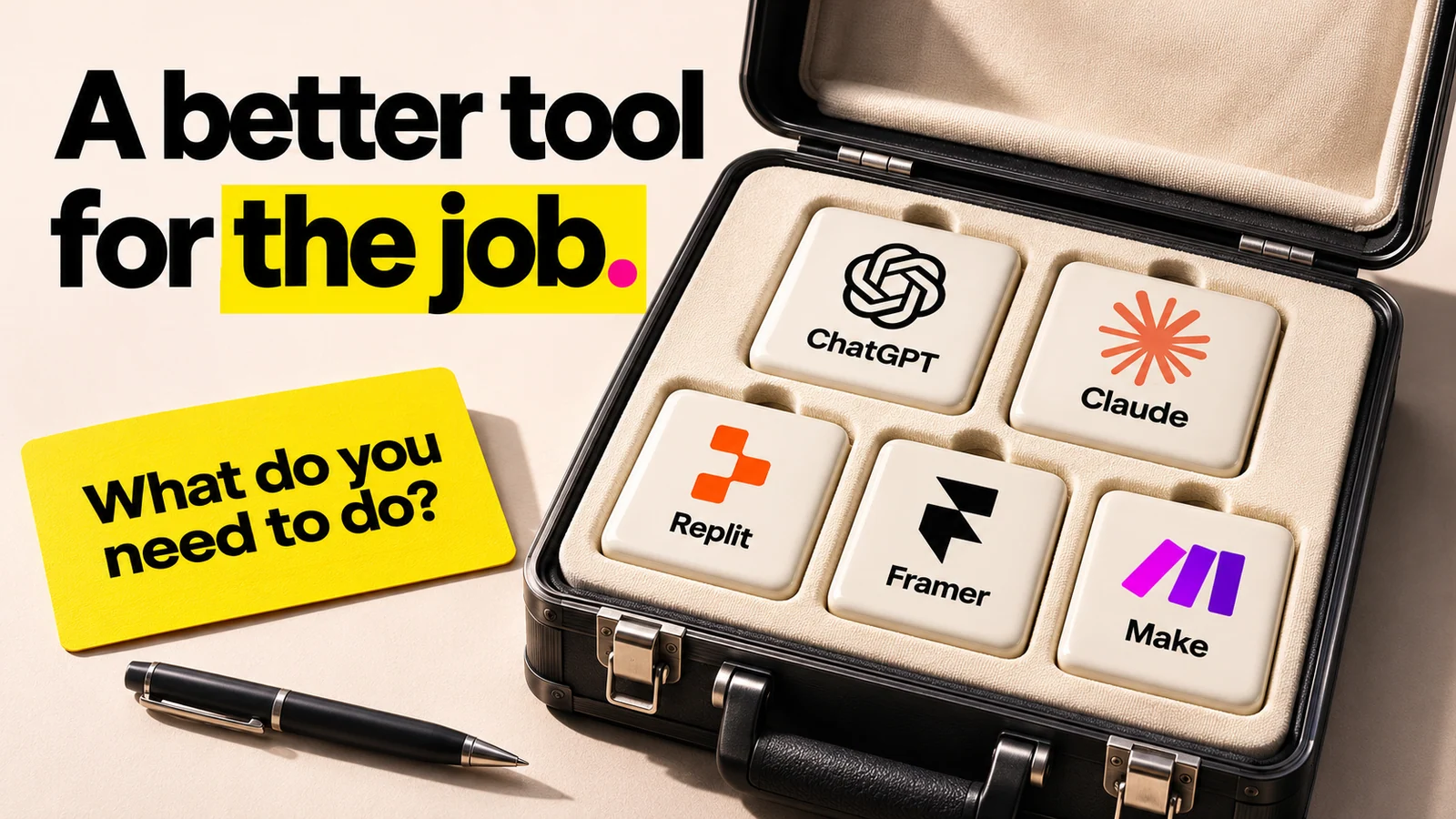
About this illustration
AI-generated editorial illustration. Tool identities refer to options discussed in the article. This illustrated selection is not a recommended stack, ranking or endorsement.
Here are all 14 tools, sorted by the job they do. Read each quoted price alongside its billing period, plan limits, and usage charges.
| Tool | Job | Best For | Starting At |
|---|---|---|---|
| Perplexity | Validate | Competitor and market research | Free to $20/mo |
| ChatGPT / Claude | Validate | Pressure-testing your idea | Free to $20/mo |
| Lovable | Build | Full web apps from prompts | $25/mo |
| Replit | Build | Code and deploy in one place | Free; annual Core offer varies |
| Bubble | Build | Products you’ll keep changing | $32/mo Web Starter, billed annually |
| Base44 | Build | First-time builders, fewer decisions | Varies |
| Cursor | Build | Owning your code | Free; paid plans and model usage vary |
| Adalo | Build | Native app store publishing | Builder $65/mo monthly; other billing/intro offers differ |
| Zapier | Automate | Simple workflows | Free tier |
| Make | Automate | Complex multi-path automation | Free tier |
| Framer | Launch | Marketing sites, fast | Free tier |
| Webflow | Launch | Complex CMS marketing sites | Free tier |
| Softr / Glide | Launch | Internal tools and portals | Free tier |
| Clay | Launch | Outreach and lead research | Free tier |
Validate Your Idea First
Before you spend a dollar on a builder, confirm the problem is real. These two tools do that for the price of a coffee.
1. Perplexity: Fast competitive research without a research team
What it does: Answers research questions with live sources, so you can map competitors and size a market in minutes.
Stands out for: Cited answers. You can check where every claim came from, which matters when you're deciding whether to build.
Worth noting: It is a research tool, not a strategist. It summarizes what exists; it will not tell you if your angle is defensible.
Pricing: Free, with Pro around $20/month.
Best if: You need to understand a market fast before committing time.
2. ChatGPT or Claude: Stress-testing your idea before you build it
What it does: Acts as a sparring partner for your idea, drafts early copy, and pokes holes in your assumptions.
Stands out for: Speed of iteration. You can run ten "what if" scenarios before lunch.
Worth noting: Here is the catch: it is agreeable by default. Ask it to attack your idea, not praise it, or you'll only hear what you want to hear.
Pricing: Free, with paid tiers around $20/month per tool.
Best if: You want to refine the idea itself before touching a builder.
Build Your Product
More AI builders exist in 2026 than ever, but they are not interchangeable. The right one depends on what you are building, not which one has the best marketing.
3. Lovable: Full web apps from plain-English prompts
What it does: Generates complete React and Supabase web apps from plain-English prompts and handles deployment for you.
Stands out for: Zero technical background required. You type what you want, you get a working app.
Worth noting: The catch is real. For anything production-ready, you will eventually need a developer to review and harden the code.
Pricing: Free workspaces get 5 daily build credits, capped at 30 per calendar month. Pro is $25/month for 100 monthly credits, $50 for 200, or $100 for 400 on monthly billing. Rollover follows the plan rules; hosting, AI, and connector usage have separate limits.
Best if: You want the fastest path from idea to a live web app.
4. Replit: Code and deploy in one place, no local setup needed
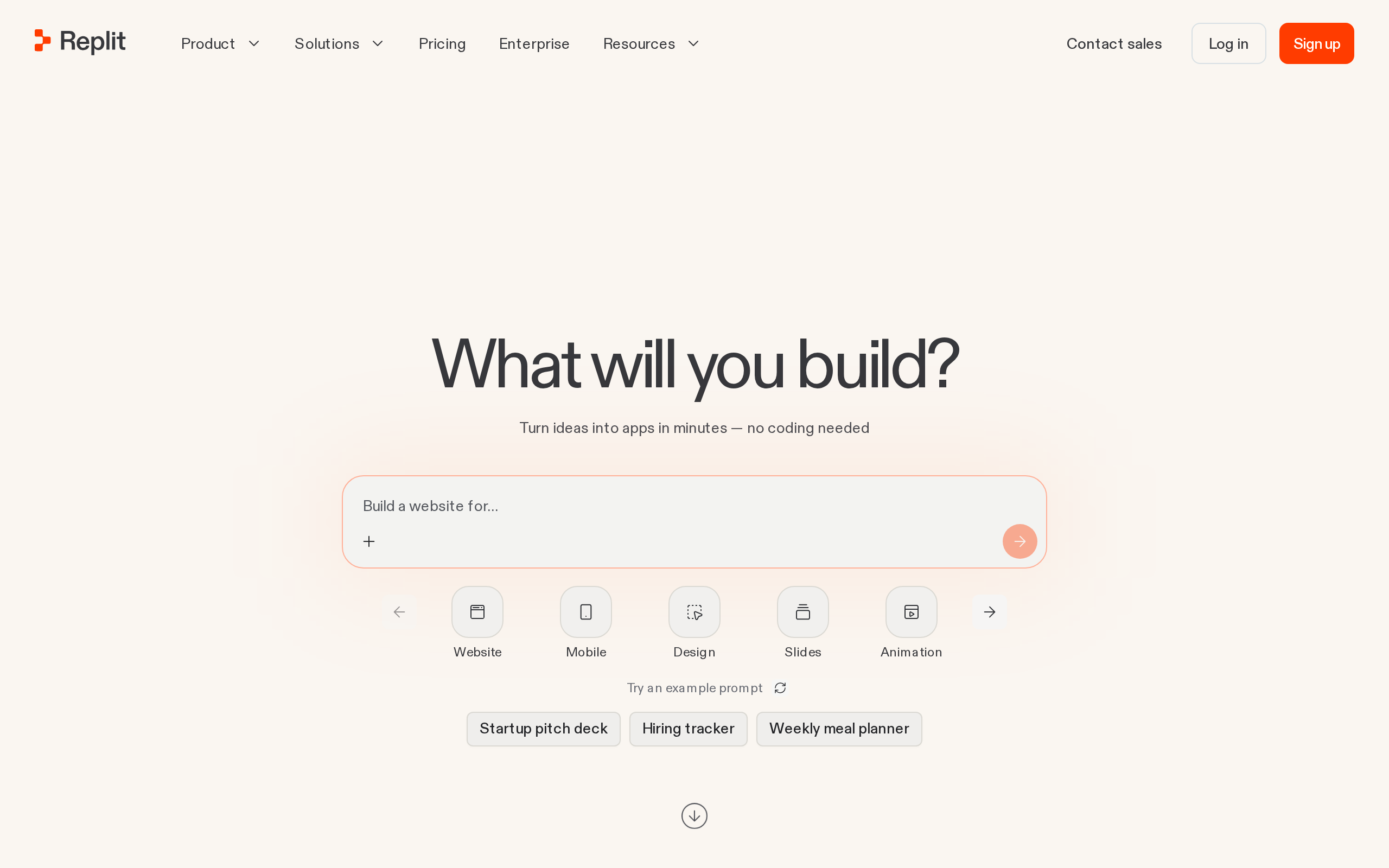
What it does: Lets you build, run, and deploy software in the browser, with an AI Agent that writes and fixes code for you.
Stands out for: No local setup. Everything runs in one place, which removes a huge barrier for non-technical founders.
Worth noting: Budget for the plan’s included credits, usage charges, and billing period, not just the headline price. Keep an eye on what your actual project uses.
Pricing: Free plan. The annual offers captured on November 6, 2026 show Core at $18/month alongside a $20 list figure, and Pro at $90 alongside $100, billed annually. Check the current offer and usage terms; those are not verified month-to-month subscription rates.
Best if: You want one environment for building and shipping, and you'll watch your credit usage.
5. Bubble: No-code for founders who will keep changing the product
What it does: A visual no-code platform for building full web applications with databases and workflows, no prompts required.
Stands out for: Control. It is best for founders and teams building a business they'll keep changing.
Worth noting: Bubble markets itself as "no-code," but the learning curve tells a different story. Expect real hours before you're productive.
Pricing: Free to start. Web Starter was listed at $32/month billed annually in the captured November 6 offer, with workload-based usage limits. Check the current monthly-billing option separately.
Best if: You want deep control and expect to iterate on the product for years.
6. Base44: Self-contained for first-time builders who want fewer decisions
What it does: An all-in-one platform designed specifically for non-technical founders who want to build and launch a complete product.
Stands out for: It removes the decisions that typically overwhelm first-time builders, so you are not stitching five tools together.
Worth noting: The trade-off of self-contained is flexibility. If your product outgrows the platform, you have fewer escape routes.
Pricing: Plan pricing varies; check the current tiers before you commit.
Best if: You are a first-time builder who wants one platform, not a toolkit.
7. Cursor: AI-assisted coding for founders who want to own their code
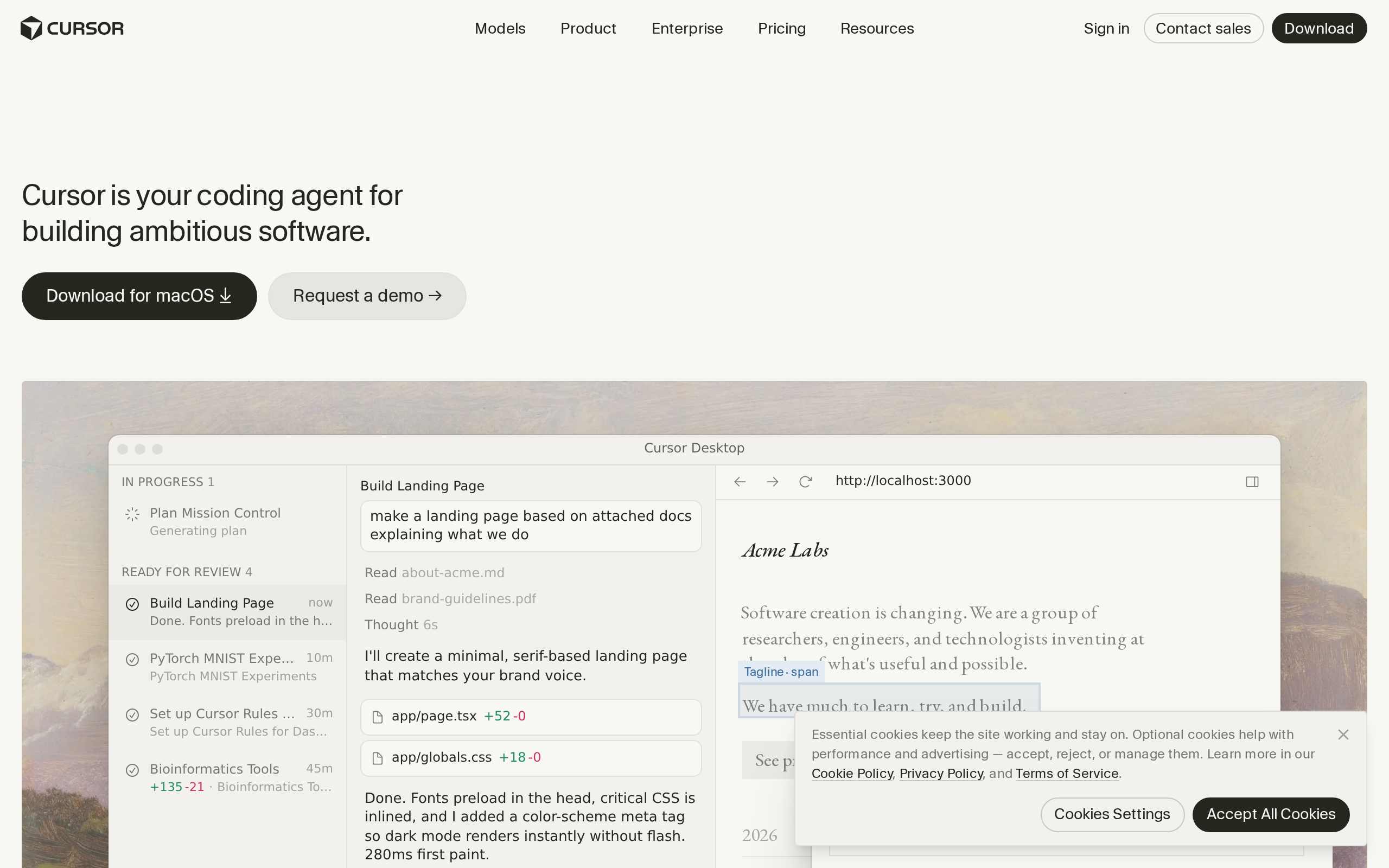
What it does: An AI-powered code editor built on VS Code. You write prompts like "create a user login page" or "add Stripe payments" and get working code.
Stands out for: You own clean, structured code that is easy to hand off to a developer later.
Worth noting: The catch is comfort level. It suits founders happy with a basic terminal workflow. It is not purely point-and-click.
Pricing: Free and paid plans; check the selected tier and model charges. The captured pricing page says third-party model usage is purchased separately from the displayed subscription prices.
Best if: You want to own your code and have a developer review or extend it later.
8. Adalo: A visual route to native app store publishing
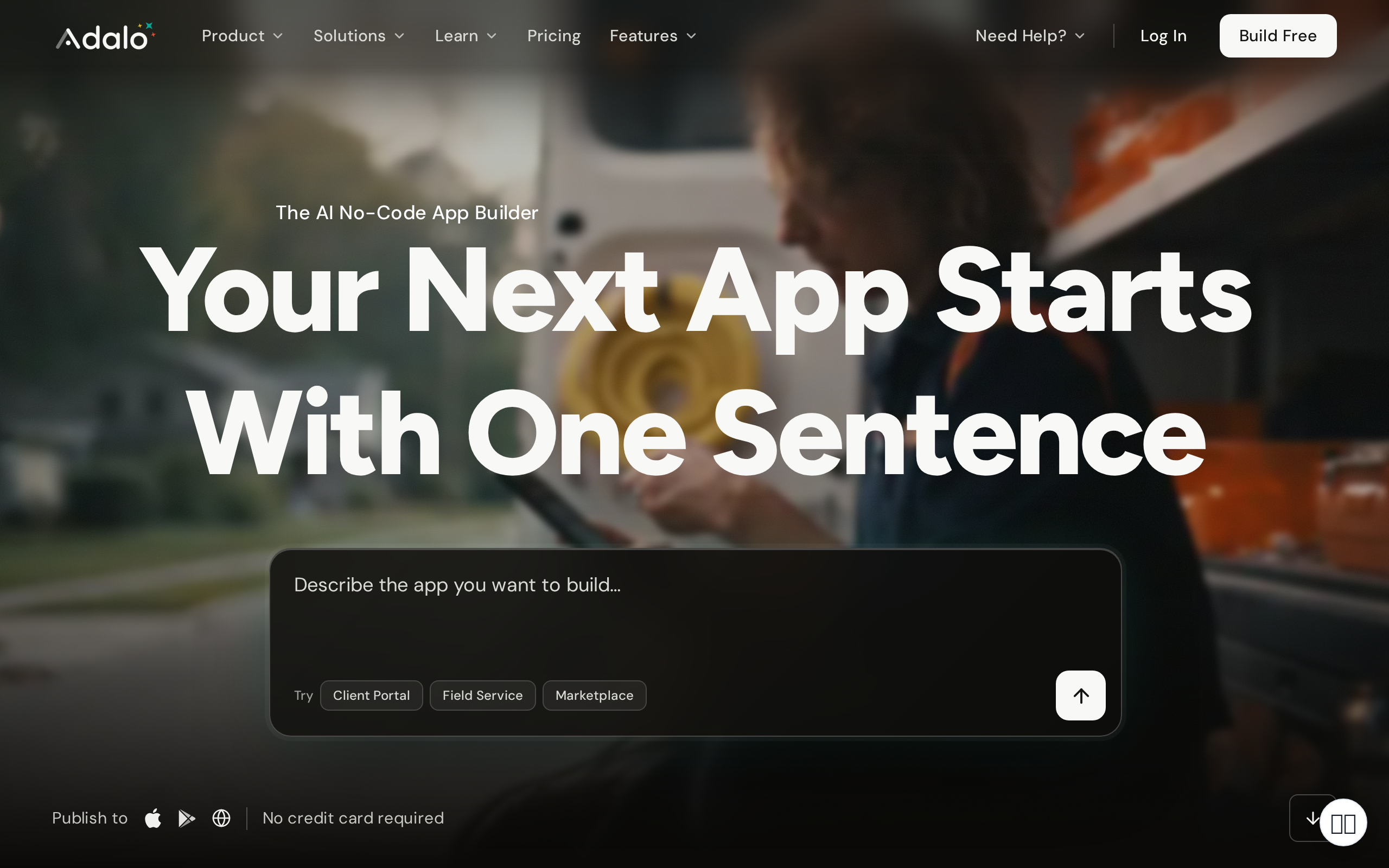
What it does: Builds native mobile apps you can publish to the Apple and Google app stores, no code required.
Stands out for: Store publishing from a visual builder. The captured Builder tier includes 2 published apps and 1 instant update a month; it is a tier-limited offer, not an unlimited or proven lowest-priced option.
Worth noting: It is less flexible than Bubble for complex web logic. Great for straightforward mobile apps, tighter on edge cases.
Pricing: The captured Builder offer lists $65 monthly, a $30 first-month offer, and a $624 yearly option ($52/month equivalent). Billing, regional offers, and tier limits matter.
Best if: You specifically need an app in the stores on a tight budget.
Automate the Repetitive Work
These are not build tools. They are the glue between build tools, and founders often skip them until the manual work becomes unbearable.
9. Zapier: Simple workflows between the tools you already use
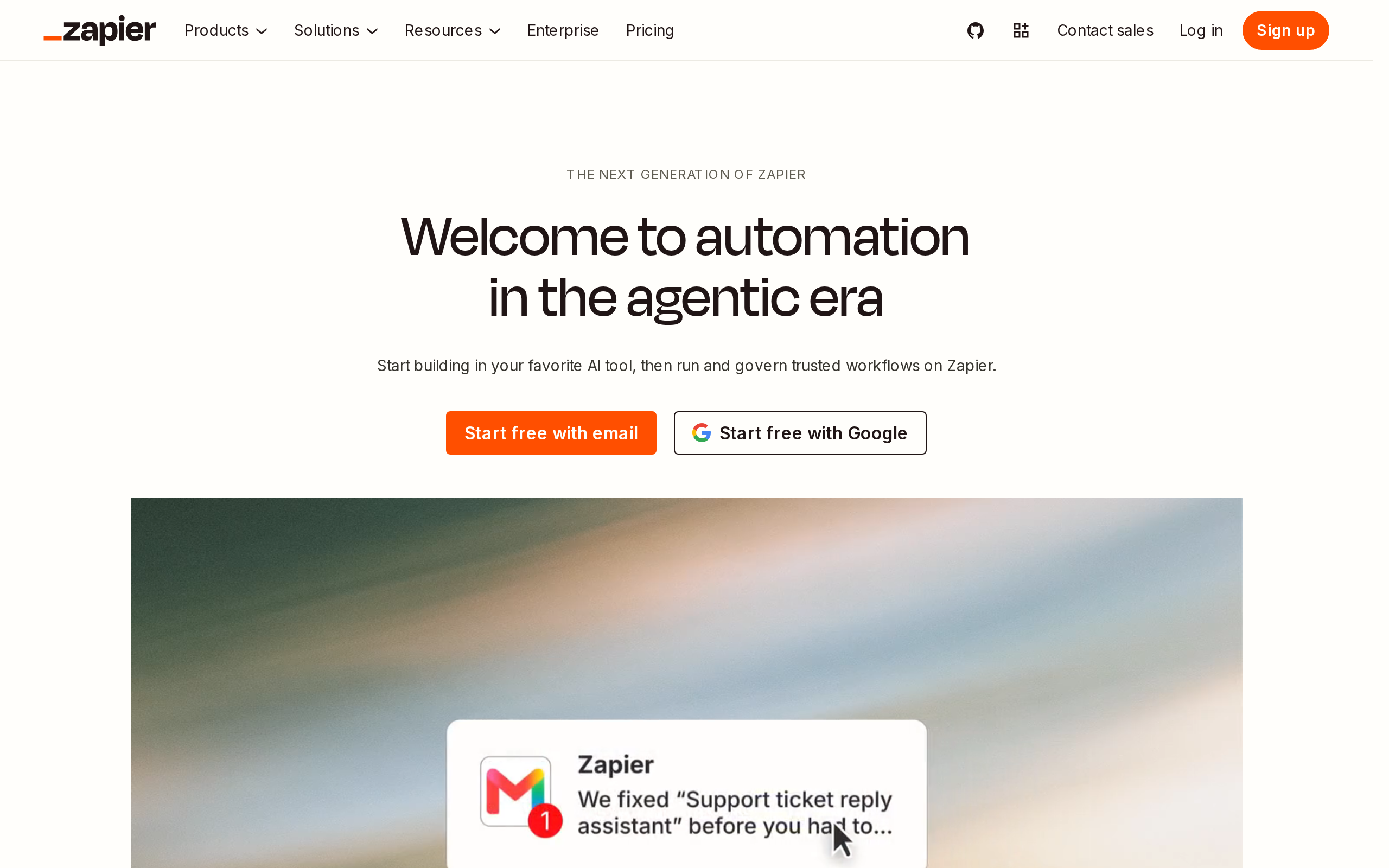
What it does: Connects your apps so an action in one triggers an action in another, with no code.
Stands out for: Simplicity. For simple trigger-and-action workflows, nothing is faster to set up.
Worth noting: The catch is cost at scale. It gets expensive fast at high task volumes, and it is not built for complex branching logic.
Pricing: Free tier, with paid plans above it.
Best if: You want straightforward automations without thinking about them.
10. Make: Complex multi-path automation without writing code
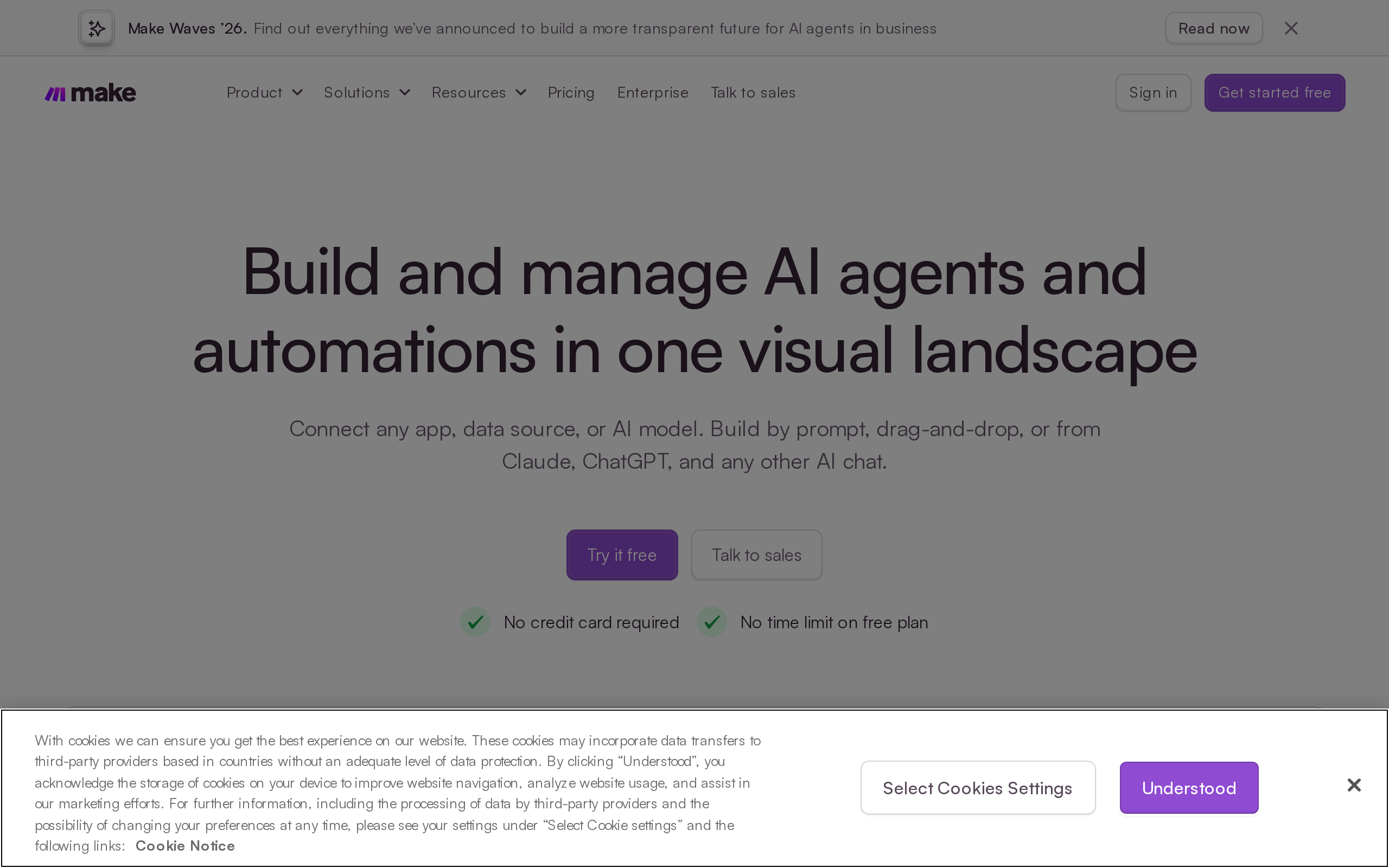
What it does: Builds visual automations with branches, loops, and multiple paths, for workflows too complex for Zapier.
Stands out for: Power. For complex multi-path automation, Make handles what Zapier cannot.
Worth noting: Steeper learning curve than Zapier. It is overkill for simple trigger-action tasks.
Pricing: Free tier, with paid plans above it.
Best if: Your automations have real logic and multiple branches.
Launch and Get Customers
Building is only half the job. These tools handle the marketing site, outreach, and early growth layer.
11. Framer: Marketing sites that look expensive and launch fast
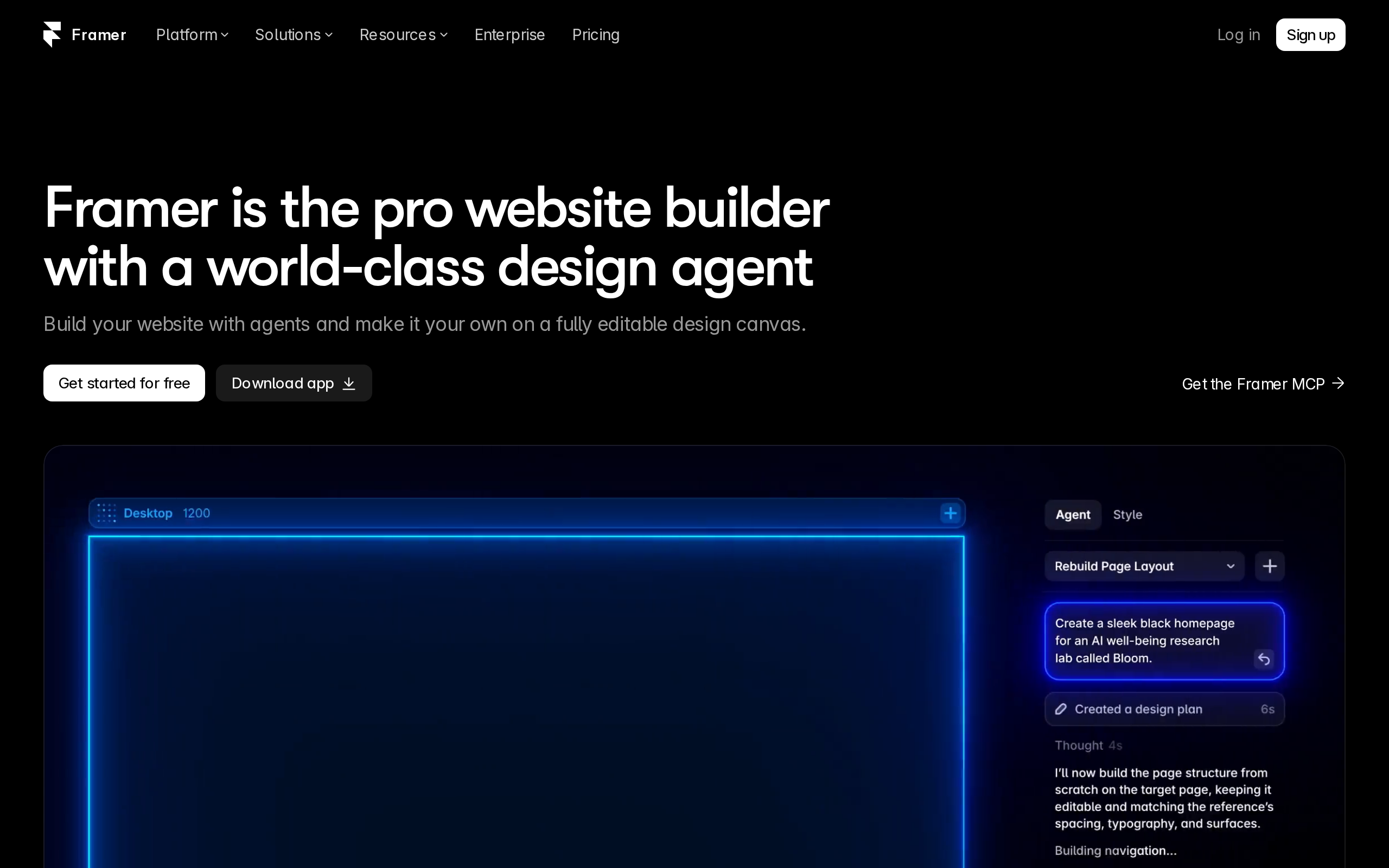
What it does: A design-first website builder for landing pages and marketing sites.
Stands out for: Speed and design. It is faster and more design-focused than most alternatives.
Worth noting: It is not the right tool for a full product, only for the marketing layer on top. Keep the jobs separate.
Pricing: Free tier, with paid plans above it.
Best if: You want a polished marketing site live this week.
12. Webflow: More powerful CMS for complex marketing sites
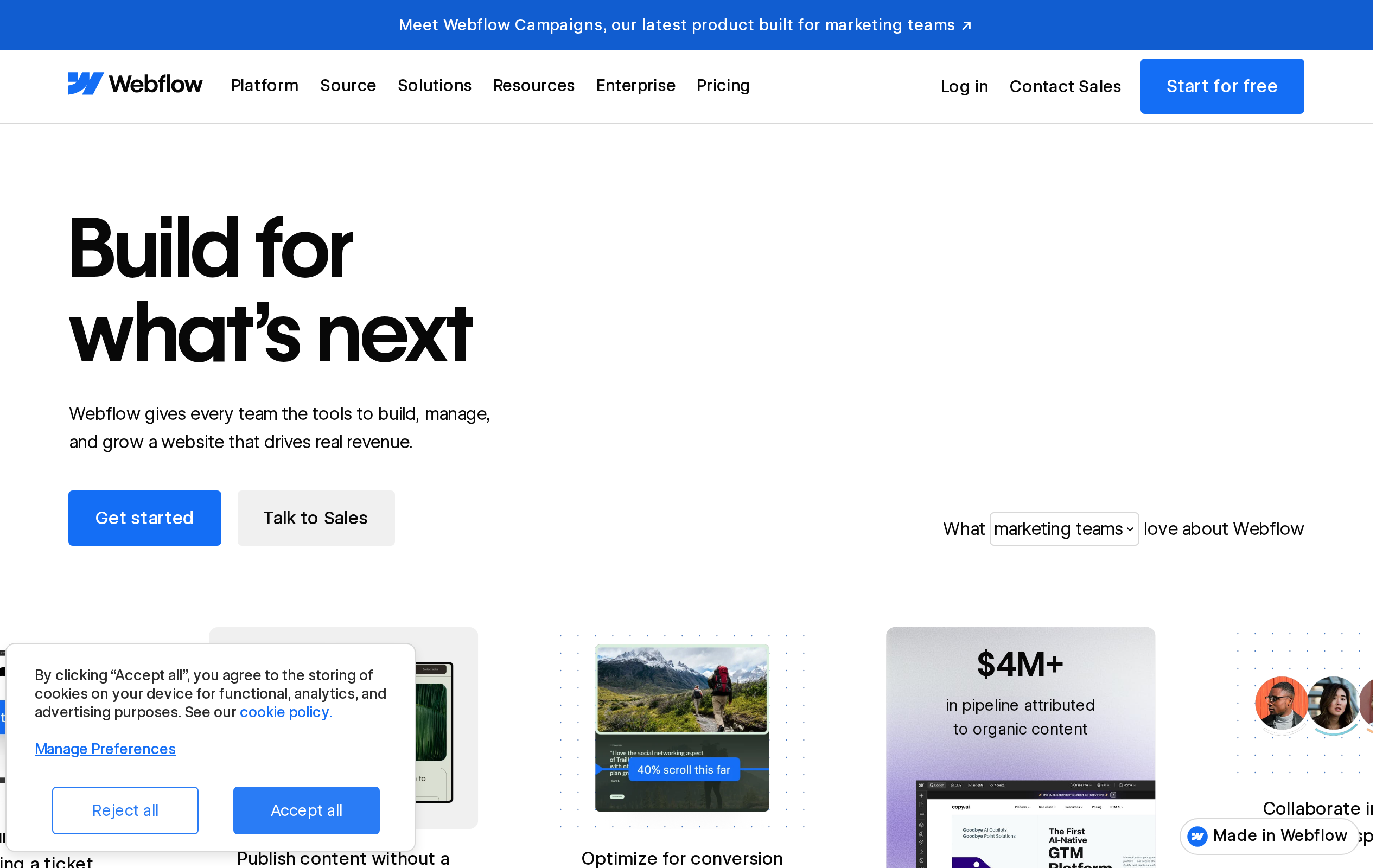
What it does: A visual web builder with a full CMS for content-heavy marketing sites.
Stands out for: Power. It is more powerful than Framer for complex marketing sites with CMS needs.
Worth noting: It takes longer to learn than Framer. Only worth the climb if your site has real CMS requirements.
Pricing: Free tier, with paid plans above it.
Best if: Your marketing site has lots of structured content to manage.
13. Softr or Glide: Fastest path from data to a working internal tool or portal
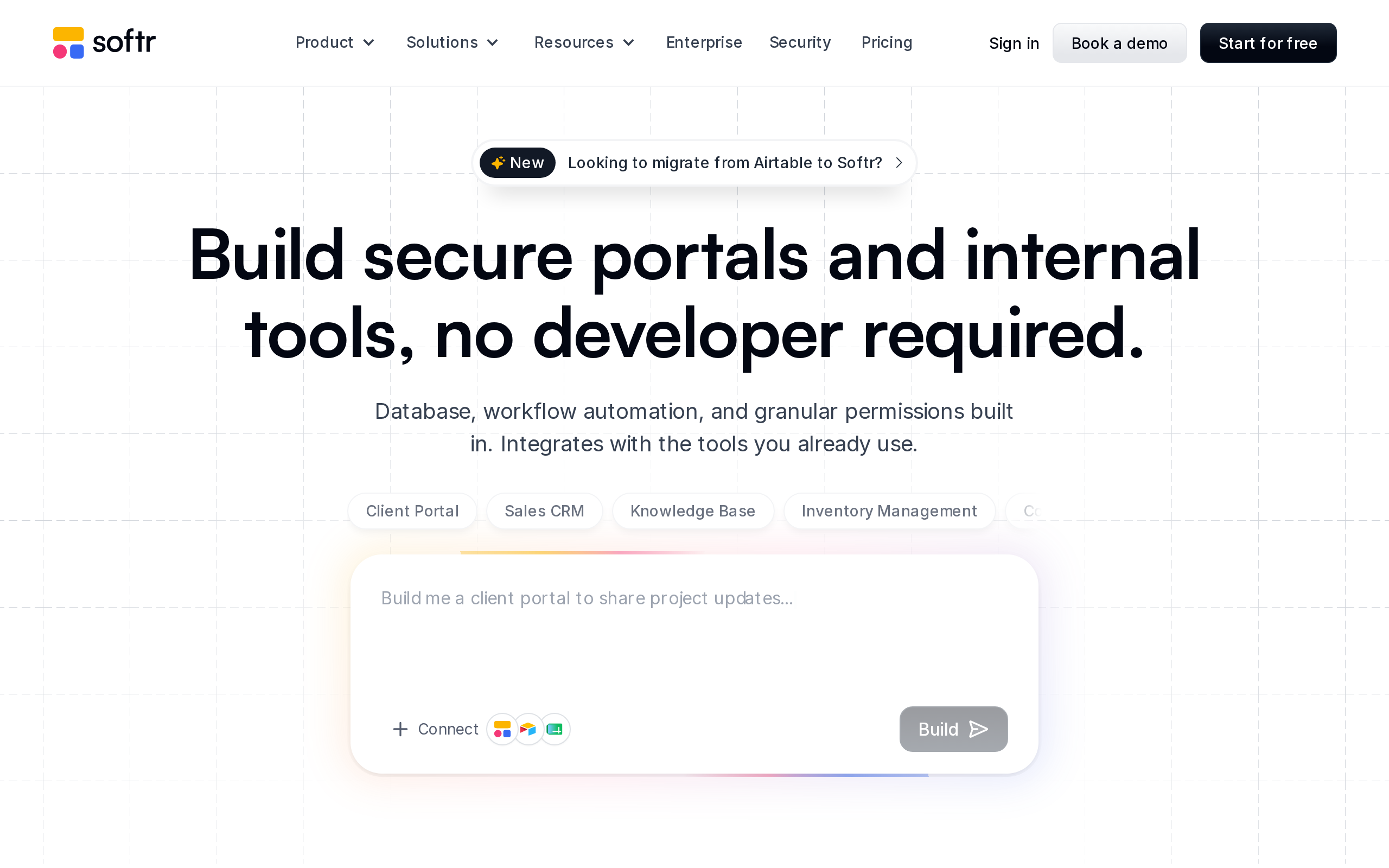
What it does: Turns a spreadsheet or database into a working internal tool or customer-facing portal.
Stands out for: Speed. If you need internal tools or simple portals rather than a full product, these are the fastest path from idea to a working application.
Worth noting: They are built on top of your data, so they shine for tools, not for complex standalone products.
Pricing: Free tier, with paid plans above it.
Best if: You need an internal dashboard or client portal, fast.
14. Clay: Outreach and lead research at a scale one person can manage
What it does: Enriches lead data and powers personalized outreach, so a solo founder can run sales research without a team.
Stands out for: Leverage. It lets one person do the lead research work of several.
Worth noting: It has a learning curve, and the data enrichment credits add up. Start small and measure what converts.
Pricing: Free tier, with paid plans above it.
Best if: You're doing founder-led sales and need research at scale.
How MoreMagpie Helps You Choose Before You Commit
Notice that MoreMagpie is not on the list above. That is on purpose.
MoreMagpie is not a build tool. It is the step before the build tool, for founders who want to understand their options before they commit to a path.
Here is what it does, grounded in what it actually offers today.
Discover what you didn't know to ask for. MoreMagpie surfaces alternative approaches and tools you might never have found. It is built for founders who do not know the right questions to ask about tooling yet, so you see the fuller picture instead of accepting the first answer an AI gives you.
See the catch alongside the benefit. For every suggested tool or approach, MoreMagpie aims to show what it does, why it helps, how it connects to the rest, and the costs, limitations, and questions still to answer. That honest framing helps you avoid committing to a path without understanding its limits.
Carry a clearer brief into your builder. MoreMagpie takes you from idea to plan in four steps: describe your idea, explore more possibilities, understand the benefits and catches, then take the decisions and next checks into your build. It tells you what to ask your AI builder and what still needs checking.
It also labels its guidance as "Documented" (from official sources) or "Tested" (actually tried, with stated limits), so you always know how much weight to put on each suggestion.
The honest part: MoreMagpie is early and currently gathering waitlist signups. There is no pricing to quote yet. If choosing before you commit sounds useful, join the waitlist.
Which Path Fits Your Situation?
Match your situation to a path. You can build and deploy a working MVP for under $200 per month in tool costs, so the decision is about fit, not just price.
You need to validate before spending anything: Start with Perplexity plus ChatGPT or Claude. Confirm the problem is real before you touch a builder.
You're building a web app and want the fastest path: Use Lovable or Replit. Expect to budget past the headline price once agent usage scales, and plan a developer review before launch.
You're building something you'll keep changing: Choose Bubble. Accept the learning curve in exchange for long-term control.
You need a marketing site, not a product: Use Framer for speed, or Webflow if you have real CMS needs. Do not build a marketing site inside an app builder.
The reality check: the tool is only as good as the brief you bring to it. A clearer brief beats a fancier builder every time.
Frequently Asked Questions
Can a non-technical founder build an app with AI?
Yes. AI app builders like Lovable, Replit, and Base44 are designed for non-technical users and generate working software from plain-English prompts. You can ship an MVP without writing code. The catch: for anything production-ready, you will eventually need a developer to review and harden the code.
Should founders use no-code tools or AI app builders?
It depends on what you're building. Choose a no-code platform like Bubble when you want fine control and will keep changing the product. Choose an AI builder like Lovable or Replit when speed matters and you'd rather describe an app than learn an interface. Match the path to the idea, not the hype.
How much does it cost to build an AI-powered app?
For a non-technical founder, far less than custom development. You can run a working MVP for under $200 per month in tool costs, with Lovable at $25/month, Replit Core at $20/month, and Adalo at $36/month. Custom development, by contrast, typically runs $25,000 to $100,000 or more.
Is it worth using an AI app builder vs hiring a developer?
Usually yes, to start. AI app builders cost around $36/month versus $25,000 to $100,000 or more for custom development, and you ship in days rather than months with self-service updates. Hire a developer once the logic gets genuinely complex, or to review and harden code before a real launch.
What is the difference between a no-code AI app and a custom-built AI app?
A no-code or AI-built app is assembled on a platform like Bubble or Lovable, which is fast, cheap, and easy to change but limited by the platform's edges. A custom-built app is coded from scratch, which is slower and far more expensive but fully flexible. Most founders should start no-code and go custom only when they hit a wall.
Conclusion: The Tool Is Only as Good as Your Brief
The best tools for non-technical founders in 2026 are not one magic app. They are a small stack, chosen by job: validate, build, automate, launch.
Pick your path first. Then the tool choice gets simple, and the catch for each one stops surprising you.
Honest reality check: no tool removes the need to understand your options. The founders who ship well are the ones who knew what they were choosing between, and what still needed checking before they built.
That is exactly the gap MoreMagpie fills. It helps you discover the approaches you didn't know to ask for, see the catch alongside the benefit, and carry a clearer brief into your usual builder. MoreMagpie is early and gathering signups now, so join the waitlist if you'd rather choose clearly than guess.