
TL;DR
- Start with what your app needs to do, not the technology. The most common mistake is picking tools first and fitting the idea to them later.
- For non-technical founders in 2026, "choosing a stack" really means choosing a build path: AI builder, no-code, or custom code. The tools come second.
- Watch the scale cliff: AI and no-code are cheap at 0-500 users and get expensive past 5,000 users. Plan for where you break first.
- Technical debt is not theoretical. Deloitte's 2026 study puts it at 21% to 40% of total IT spending, and Gartner projects 80% of technical debt will be architectural by 2026.
- Use the Three-Layer Cost Check: build cost, run cost, and switch cost. The switch cost is the one everyone forgets until it is too late.
- Choose no-code when your app is forms, dashboards, and data; choose an AI builder when you need custom logic but can still read the output; choose custom code only when you can hire to maintain it.
👉 Skip guessing in the dark: MoreMagpie surfaces the build approaches you didn't know to ask for and shows the catch on each one, so you walk into your AI builder with a clearer brief. Join the waitlist.
Still Googling "Best Tech Stack" at Midnight?
You have an app idea. You open twelve tabs. Every one shouts MERN, MEAN, LAMP, PostgreSQL, React, Firebase.
None of it tells you what to actually pick.
Here is the problem. Almost every tech stack guide is written for teams that already have developers. It says "ask your team" and "check GitHub activity." You do not have a team. You have an idea and an AI builder.
In 2026, choosing a stack is no longer React versus Vue. For a non-technical founder it is a build-path decision: an AI builder, a no-code tool, or custom code you pay someone to write.
Pick wrong and you inherit a product you cannot read, cannot fix, and cannot afford to rebuild.
Here's what we'll cover:
- what a stack even is
- start with the app, not the tools
- pick your build path first
- match it to your scale
- who maintains it after launch
- the real costs nobody shows you
- stress-test before you build
What a Tech Stack Actually Is (and What It Is Not)
A tech stack is the combination of programming languages, frameworks, databases, and hosted services that run your app. Front end, back end, database, infrastructure. That is the textbook answer.
But for a non-technical founder, that definition is almost useless.
Here is the useful version. In 2026, "choosing a stack" means choosing a build path: will an AI builder write the code, will a no-code tool run it visually, or will a developer build it from scratch? Everything else flows from that.
One more thing people conflate. The way your app looks is a separate decision from the tools that build it. You can get the same visual result from very different stacks. MoreMagpie makes this explicit: the tools are a separate decision from the look you want.
So no, Python on its own is not a stack. It is one ingredient. A stack is the full recipe.
Step 1: Define What Your App Actually Needs to Do
Start with the application, not the technology.
The most common mistake in stack selection is starting with what is popular instead of what the app has to do. Reverse it. Write down three things before you touch a single tool.
- The core action a user takes.
- The data your app stores and queries.
- Roughly how many users you expect in 12 months.
That is it. Three lines on a page.
Why it matters: the stack falls out of these answers almost automatically. Every tool decision is really a response to one of these three facts.
For example, you could write: "Users upload a photo, we match it to products, they buy." That one sentence already tells you that you need file storage, image processing, a database you can query, and a payment integration. You have not named a single tool yet, but you already know the shape of what you need.
Step 2: Choose Your Build Path First, Your Tools Second
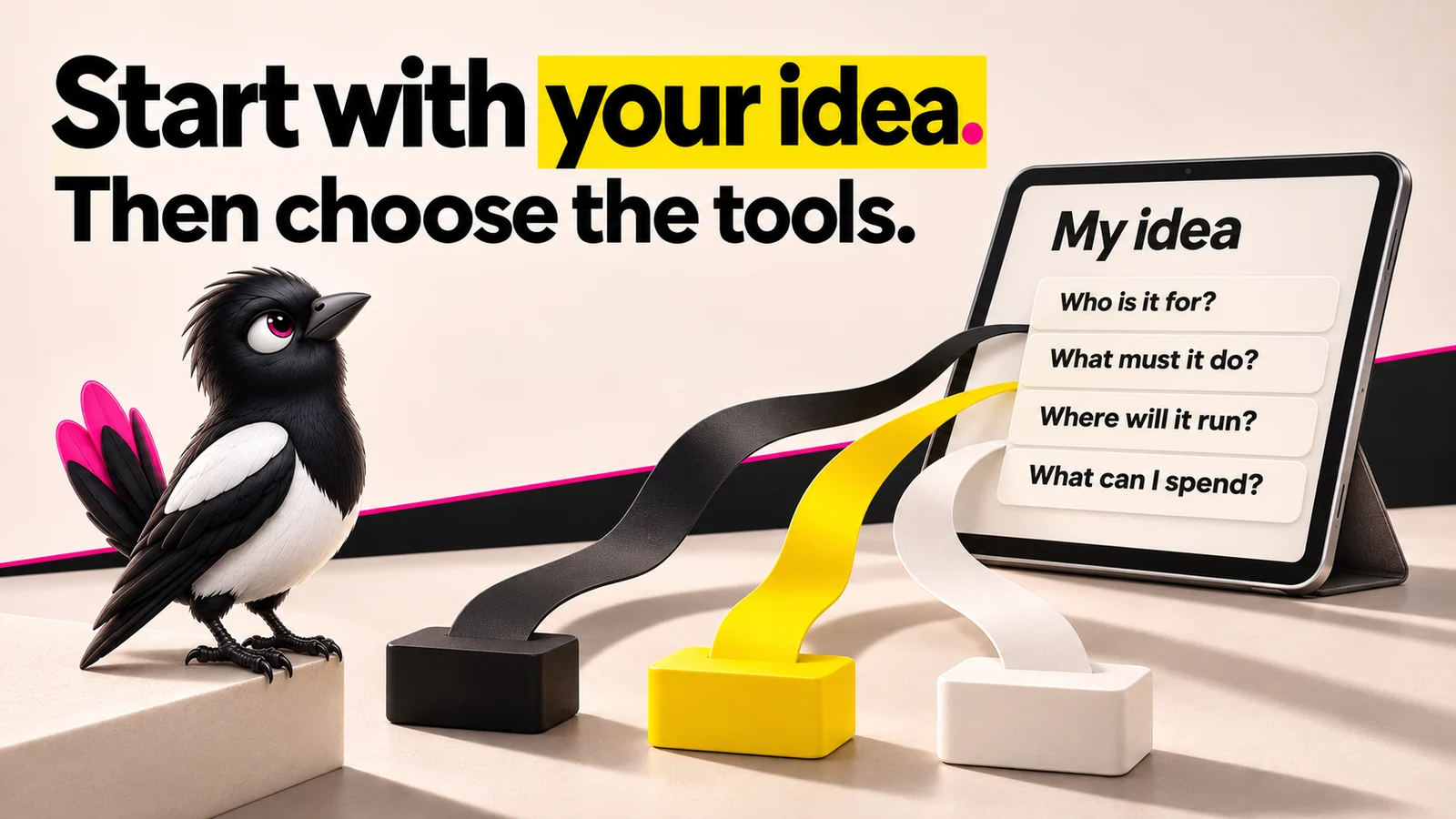
About this illustration
AI-generated editorial illustration. The branching paths illustrate choices, not specific verified technology combinations.
The biggest decision is not which database to use. It is which build path fits you.
There are three. An AI builder writes real code from your prompts. A no-code or low-code tool runs your app through a visual editor. Custom code is a developer building from scratch.
Why it matters: this one choice sets your cost curve, your speed, and what happens when something breaks. Get it right and the tool choices get easy.
| Build path | Best for | Rough cost signal | Main catch |
|---|---|---|---|
| No-code (Bubble, Glide, Softr) | Forms, dashboards, internal tools, data-shaped apps | Cheap to start, scales in monthly fees | Limits and data-layer ceilings as you grow |
| AI builder (Lovable, Base44, Bolt) | Custom logic, polished MVPs, fast prototypes | Cheap at 0-500 users, expensive past 5,000 | You own code you may not be able to read |
| Custom code | Complex, long-lived products | Highest upfront, most control | Needs someone to maintain it, forever |
A cost reality check worth memorizing: AI and no-code are cheap at 0-500 users and get expensive at 5,000 and up. The starting price is never the real price.
Let's be fair about the tools here, because each has a genuine strength and a genuine catch.
Bubble is the most customizable no-code option. The catch: it scored lower on ease for non-coders, a real learning curve for a non-technical founder.
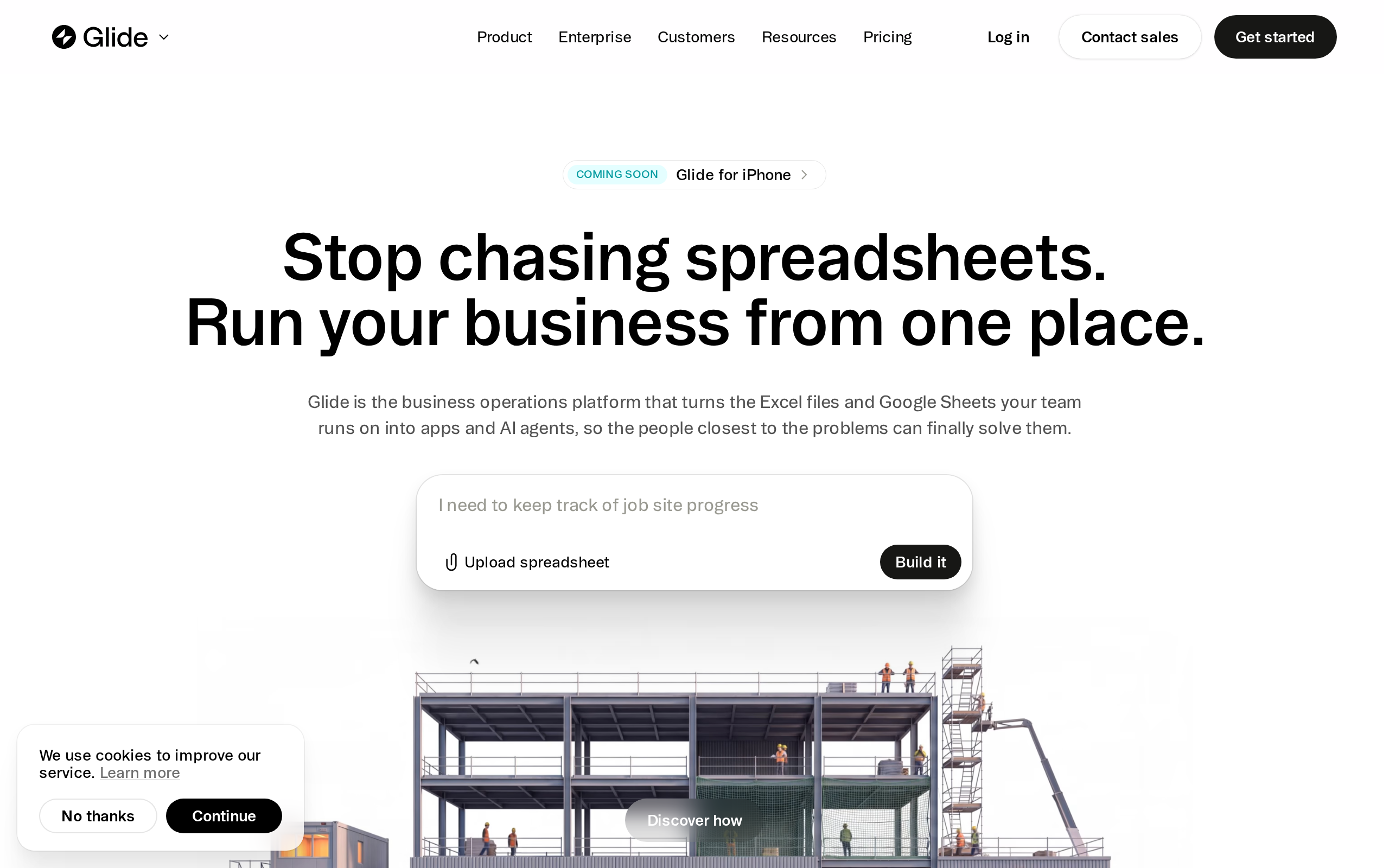
Glide is the easiest, turning spreadsheets into working apps in under 2 hours. The catch: that simplicity caps what you can build.
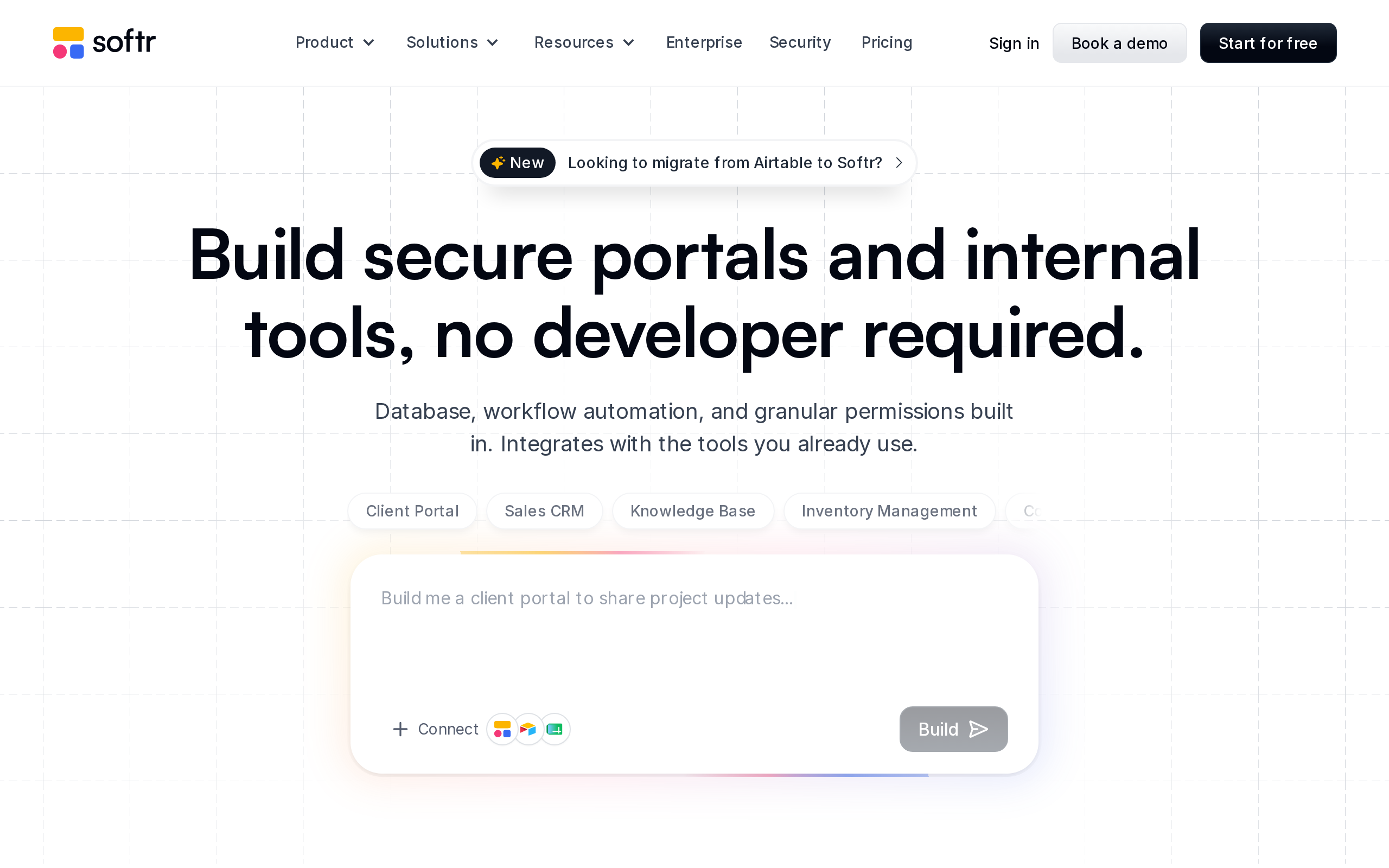
Softr is excellent for client portals and internal tools. The catch: its reliance on Airtable as the data layer creates limits as apps grow complex.
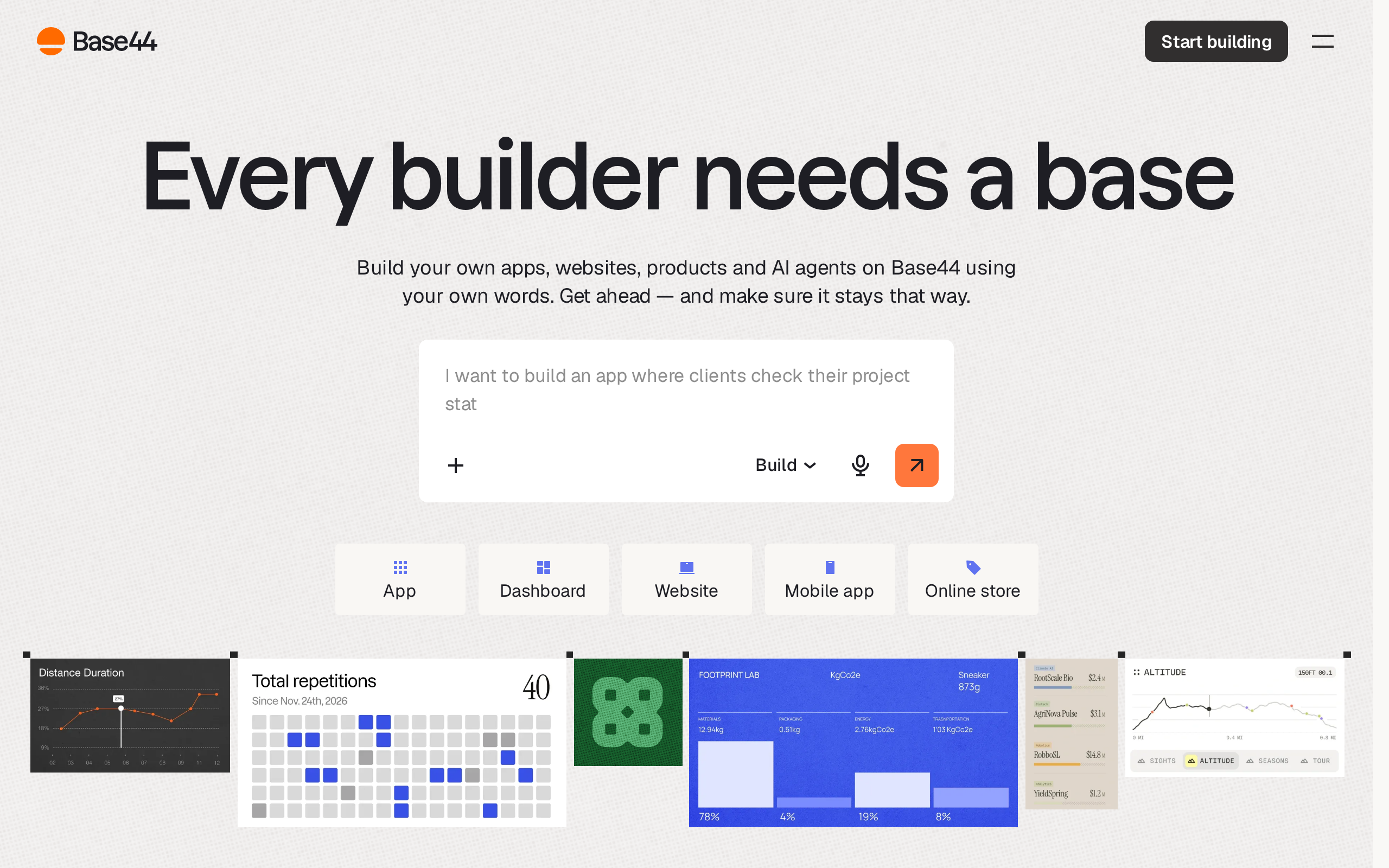
Base44 is fast for AI prototyping. The catch: you are locked into its environment, and charges for messaging the AI and integrating tools can get expensive.
Lovable gets you to a polished React MVP fast. The catch: non-technical founders often hit the "Supabase wall" configuring complex database rules, which drains credits. Bolt.new builds in the browser, but its code export is tightly coupled to its own runtime, so true portability is a rewrite, not a migration.
Step 3: Match Your Stack to Your Scale Horizon
Scale is not "can this handle a million users." For an MVP, scale is: how many users in six months, and what breaks first.
Three things fail early, almost always in this order: your database query limits, your file storage costs, and your third-party API rate limits.
Here is the rule of thumb. Under 500 users, nearly any stack works fine. At 5,000 users, your architecture choices start costing real money and real downtime.
Why this matters so much: the hidden cost is technical debt, and it is enormous. Deloitte's 2026 Global Technology Leadership Study estimates technical debt absorbs 21% to 40% of total IT spending. For every 100 you spend on IT, 21 to 40 goes to servicing debt instead of building new things.
And it gets harder to fix over time. Gartner projects that 80% of technical debt will be architectural by 2026, meaning it cannot be solved by simple cleanup. Architecture debt is the kind you choose, unknowingly, on day one.
For example, you could pick a stack that is free and fast at 200 users, then discover at 4,000 that every query costs money and the fix is a rebuild. That is not a bug. That is a scale-horizon decision you made without knowing it.
Step 4: Know Who Will Maintain It After You Ship
This is the most underweighted factor in every guide online, and the one that sinks founders.
If you cannot maintain it, and you cannot hire someone to maintain it, the stack is wrong. Full stop. It does not matter how elegant it is.
Ask three questions before you commit:
- Can your AI builder read and edit its own output later?
- Could you hire a freelancer to fix it in an emergency?
- Is this platform likely to still exist in two years?
Why it matters: there is a trap called comprehension debt. Founders realize they own a codebase their entire business relies on, but that they cannot read, trace, or fix. The app works until it does not, and then nobody in the building understands it.
For example, you could ship a slick app in a weekend with an AI builder, then hit a payment bug three months later and find that no freelancer will touch the proprietary output. The weekend you saved costs you a month.
Step 5: Check the Real Costs, Not Just the Starting Price
Most stacks look free or cheap until usage climbs. The starting price is a hook, not the bill.
Use a simple named framework: the Three-Layer Cost Check.
- Build cost: the AI builder credits or developer hours to create it.
- Run cost: hosting, database, and API fees at your real traffic, not your launch traffic.
- Switch cost: what it costs to migrate off the platform if it fails you.
Why switch cost matters most: it is invisible at decision time and brutal later. Poor software quality is not a small line item. CISQ put the cost of poor software quality in the US alone at $2.41 trillion in 2022. A chunk of that is people trapped in stacks they cannot leave.
On the open-source versus paid question: open source is not automatically cheaper. Free licenses can carry higher run and maintenance costs, while a paid platform can lower your total cost of ownership. As a budget signal, cross-platform approaches are generally 30-40% cheaper upfront, but upfront is only one of the three layers.
For example, you could choose a "free" stack and pay for it in your own time debugging it at 11 PM. That is still a cost. It just does not show up on an invoice.
Step 6: Pressure-Test Your Choice Before You Build
Before you commit, run three fast checks. Fifteen minutes now saves weeks later.
- Search the stack name plus "scaling problems" or "migration nightmare" and read the real complaints.
- Ask your AI builder to explain what breaks first if you double your users.
- Find one person who shipped something similar and ask what they wish they had known.
Why it matters: AI gives confident answers that are often almost right, which is the dangerous kind of wrong. Stack Overflow's 2025 survey found 66% of developers were frustrated by AI-generated solutions that were almost right. And in AI-heavy teams, pull request review time went up 441% cleaning up the mess. "Almost right" has a price.
Don't trust the first answer and run.
Common Mistakes When Choosing a Tech Stack
- Choosing by popularity. The trending stack is not the fitting stack, and you inherit its complexity for free.
- Skipping the scale question. Cheap at launch, ruinous at 5,000 users, and you only find out when it is live.
- Ignoring maintenance. If nobody can fix it, the best build in the world is a liability.
- Trusting the first AI answer. The first answer isn't the whole picture, and the alternatives you never saw might have fit better.
How MoreMagpie Helps You Choose a Tech Stack
Here is the honest manual reality. You describe your idea to ChatGPT, it hands you one stack, and you build it, never knowing what else was possible. The first answer becomes the only answer by default.
MoreMagpie is a companion built for exactly this moment: non-technical founders and AI builders deciding how to build.
Three things it does, grounded in what it actually offers:
- It surfaces approaches you didn't know to ask for. Instead of accepting the first answer, MoreMagpie shows alternative build paths and tools you might never have found, so you compare approaches, costs, and trade-offs for the same idea.
- It shows the catch alongside the benefit. For every suggested tool or approach, it aims to show what it does, why it helps, how it connects to the rest, and the costs, limitations, and questions still to answer. It even labels guidance as Documented (from official sources) or Tested (actually tried, with limits), so you know what you are relying on.
- It gets you to a clearer brief. The workflow is four steps: describe your idea, explore more possibilities, understand the benefits, costs, and catches, then take the decisions and next checks into your usual builder. You keep your AI builder. You just bring it a better brief.
Worth noting: MoreMagpie is early and currently gathering waitlist signups. It does not replace your AI builder, and it will tell you plainly when tools have not been tested together for your specific project.
Frequently Asked Questions
How do I select the right tech stack for my MVP?
Start with what your MVP must do, not the tools. Write down the core user action, the data it stores, and your 12-month user target. Then pick a build path: no-code for data-shaped apps, an AI builder for custom logic, custom code only if you can maintain it. The tools follow from those answers.
What is the best tech stack for a startup?
There is no universally correct startup stack, only the one that matches your team, your timeline, and what you are building. For a non-technical founder, the real decision is the build path, not the framework. Favor speed to a usable product, low switch cost, and something you or a freelancer can actually maintain later.
When should I choose no-code over AI for my MVP?
Choose no-code when your app is mostly forms, dashboards, data, and standard workflows, and you want the shortest learning curve. Choose an AI builder when you need custom logic or a polished, specific interface and can still read the output. If you cannot read or hire to fix the code, lean no-code.
What are the hidden trade-offs of no-code and low-code platforms?
The main trade-offs are data-layer limits, rising monthly fees as you scale, and lock-in. Tools like Softr depend on Airtable, which caps complexity, and many platforms are cheap at 0-500 users but expensive past 5,000. The biggest hidden cost is the switch cost if you ever need to leave.
What tech stack is best for a scalable web app?
A scalable web app usually pairs a well-structured relational database, PostgreSQL or MySQL, with a maintainable framework and hosting that grows with traffic. But scale fails first at database queries, storage costs, and API rate limits. Plan for where you break, not for a million users you do not have yet.
Is an open-source tech stack always better than a paid licensed one?
No. Open source avoids license fees but can carry higher setup, run, and maintenance costs, while a paid platform can lower total cost of ownership. Judge both on the full picture: build cost, run cost, and switch cost, not the sticker price. The cheapest option upfront is often the most expensive over its life.
Putting It Together
The stack that fits is not the popular one. It is the one matched to what your app has to do, who maintains it after launch, and what it costs to switch if you chose wrong.
Run the six steps. Define the need, pick the build path, match the scale, check who maintains it, run the Three-Layer Cost Check, then pressure-test it.
One honest reality check: no framework removes all risk. It just makes the risks visible before they turn expensive, which is the whole game.
That is exactly the gap MoreMagpie is built to close for non-technical founders: more possibilities, clearer choices, and a better brief to carry into your AI builder. It is early and gathering waitlist signups now. Join the waitlist and decide before you build.