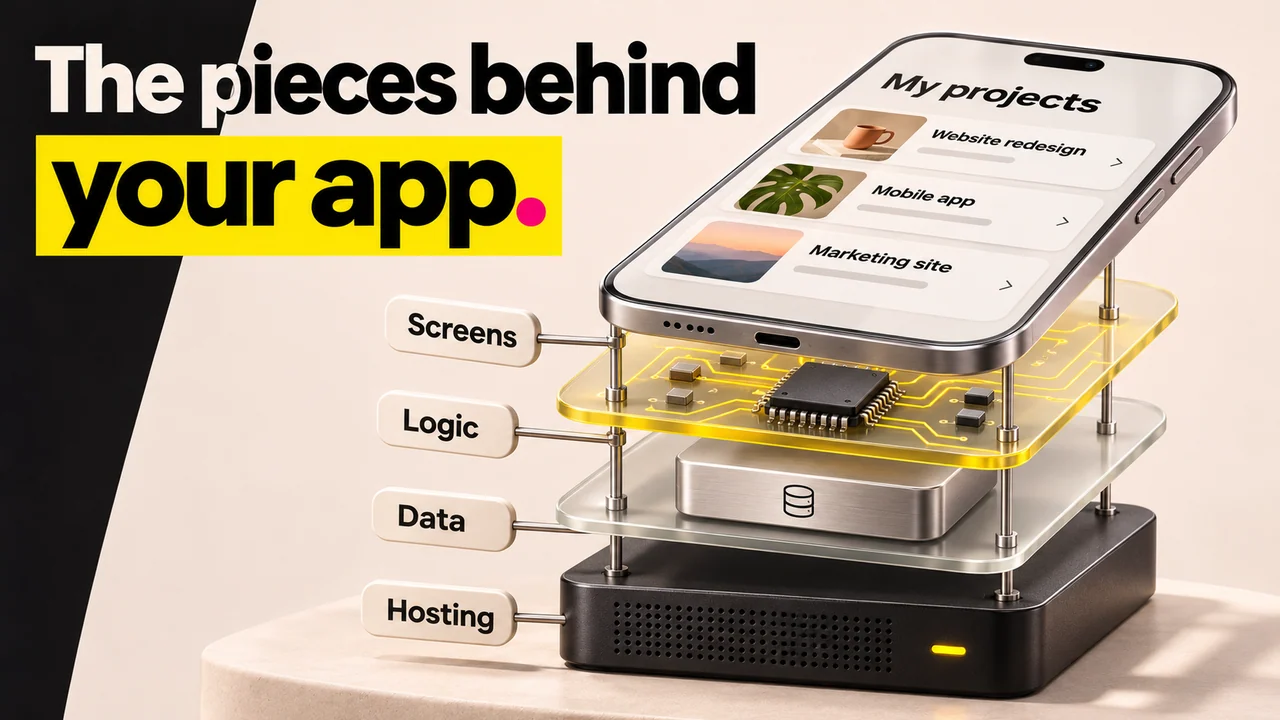

TL;DR
- You can build an app with AI without coding in 7 steps: describe the idea, map the approaches, write a brief, choose a builder, generate, refine, then test and publish.
- Most AI builders turn a plain description into a working prototype within 30 minutes, but custom logic and integrations start breaking down around the 80% mark. That is the real wall.
- The tool matters less than the brief. AI apps fail when nobody defined the product, not when the prompts were slightly off.
- Tools split by app type: Lovable and Base44 for web apps (from $16-25/month), FlutterFlow and Replit for mobile, Softr and Glide for data-driven internal tools.
- Watch the pricing small print: a custom domain, removed branding, or more users pushes you to a $20-50/month minimum, and scaling can reach $200-500/month.
- Choose a web builder like Lovable if you want something live in a browser fast; choose a mobile builder like FlutterFlow if you need a native App Store app.
👉 Skip the guesswork before you build: MoreMagpie helps you discover the approaches you didn't know to ask for and carry a clearer brief into your AI builder. Join the waitlist.
So You Have an Idea and Zero Code. Now What?
You described your idea to an AI builder. It produced something that looks like an app.
Then you tried to make it do something real, and it fell apart.
This is the common story. The first version looks finished. The second feature breaks it.
Most guides skip the part that actually matters. They jump straight to "pick this tool" and sell you the first one they mention. But AI apps rarely fail because the prompts were bad. They fail because nobody defined the product.
Here's what we'll cover:
- Nail your idea in one paragraph
- See your options before you commit
- Why a brief beats a prompt
- Match the builder to your app
- The 5 traps to dodge
This guide walks you through all seven steps in plain English. No code. No jargon you have not met before.
Step 1: Describe Your App Idea in One Paragraph
Start by writing down what your app is, in one clear paragraph.
Why it matters: Every step after this depends on it. A vague idea produces a vague app. A concrete description gives the AI builder something real to work from, and gives you a way to check the result.
Cover three things: who it is for, what it does, and what problem it solves.
For example, you could write: "A booking app for independent dog groomers. Clients pick a service, choose an open time slot, and pay a deposit. Groomers see their day at a glance and get notified of new bookings."
That is specific enough to build against. "An app for dog groomers" is not.
This is step one of a disciplined build. Writing down what your product must do before an AI builds it matters more than any prompting trick.
Step 2: Map the Approaches Before You Pick a Tool
Before you open any builder, map your options. This is the step almost every guide skips.
Why it matters: If you pick a tool first, you lock yourself into one approach before you know whether it fits. The approach is a separate decision from the tool.
Ask three questions about your idea:
- Does it live in a browser, or does it need to be installed from the App Store?
- Is it driven by a database and forms, or by freeform prompts?
- Is it for one person, a small team, or thousands of public users?
Here is why this matters in dollars. No-code platforms typically cost $0 to $100 per month for small business use, versus $30,000 to $150,000+ for a custom-built app from an agency, based on Business of Apps 2025 research. Picking the wrong approach wastes that saving.
There is also a quiet trap here. Most no-code platforms produce web apps that run in a browser and are not installed from an app store. Only a few AI builders generate native iOS or Android code. If you assumed you were getting an App Store app, you will find out late.
The manual way: You read ten tool reviews, each selling its own product, and try to reverse-engineer the landscape.
The MoreMagpie way: MoreMagpie surfaces alternative approaches you might never have found, so you can see the fuller picture before you build. It is built for founders who do not know the right questions to ask about tooling yet. Documented: it is early and currently waitlist-only, so treat it as a planning companion, not a builder.
Step 3: Write a Brief, Not Just a Prompt
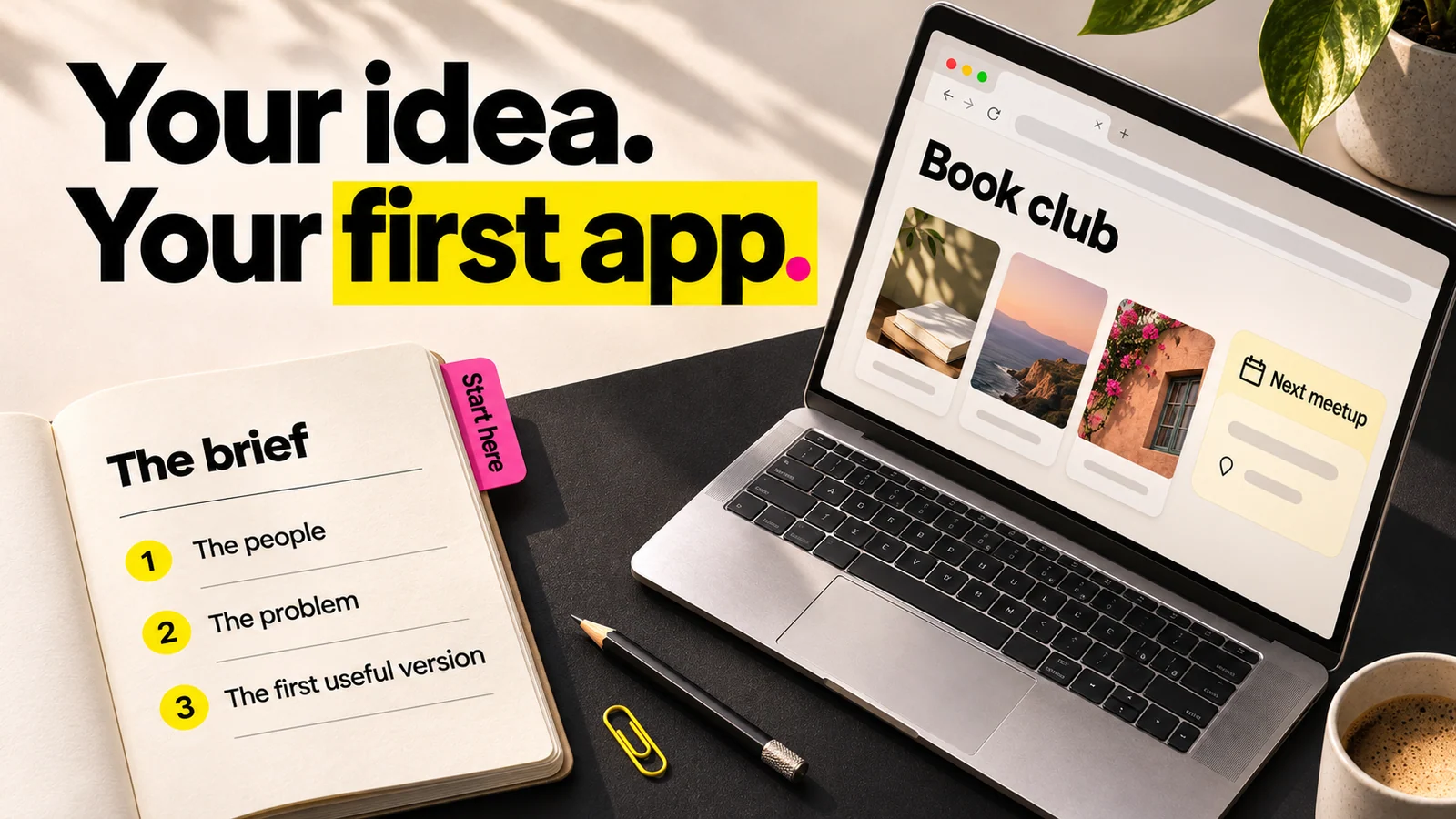
About this illustration
AI-generated editorial illustration. The book-club interface is fictional, not an app built or tested for this guide.
A prompt says "make me a booking app." A brief says what the app must actually do.
Why it matters: When the prompt is vague, the AI fills the gaps with its own assumptions. The result is 80% right and 100% wrong for your real use case. Writing down what your product must do before an AI builds it matters more than any prompting trick, because AI apps fail when nobody defined the product.
Here is the difference.
A prompt: "Build a booking app for dog groomers."
A brief: "Clients see a list of services with prices. They pick one, see only open time slots for the next 14 days, and pay a 20% deposit to confirm. A confirmed booking sends the client an email and shows on the groomer's calendar. Groomers can cancel a slot, which emails the client. Store client name, email, phone, service, and time."
The brief tells the builder what to make and tells you what to check. Vague inputs also carry a safety cost: Veracode's 2025 GenAI Code Security Report found 45% of AI-generated code samples failed security tests and introduced an OWASP Top 10 vulnerability. The clearer your brief, the less the AI invents.
A good brief also names what still needs checking: payment handling, data storage, and who can see what.
Step 4: Choose the Right AI Builder for Your App Type
Now, with your approach mapped and your brief written, pick a tool. Not before.
Why it matters: Each builder is good at a different kind of app. Matching the tool to your app type saves you from fighting the tool later. The tools are a separate decision from the look you want.
Here is a simple decision table.
| Your app type | Good-fit builders | Starting price |
|---|---|---|
| Web app, prompt-driven | Lovable, Base44, Figma Make | Lovable from $25/mo, Base44 from $16/mo |
| Data-driven internal tool | Softr, Glide | Softr from $19/mo |
| Cross-platform or mobile | FlutterFlow, Replit | FlutterFlow Basic $39/mo, Replit Core $20/mo |
| Design-first web app | Figma Make | Free Starter plan |
Base44 is a no-code AI development platform that turns ideas into functional apps, with its first paid plan from $16/month billed annually. Bubble offers a free development version with no live deployment, then a Web Starter at $29/month billed yearly. FlutterFlow stands out for one reason: it exports Flutter and Dart code, so there is no vendor lock-in.
Watch the pricing small print. The moment you need a custom domain, remove branding, add users, or exceed API limits, you hit a $20 to $50 per month minimum, and scaling a single metric can push you into $200 to $500 per month enterprise tiers.
One more catch: if you are targeting the App Store, remember that a browser web app is not an App Store app. Apple reviews native submissions against its own rules, and your AI builder does not handle that for you.
Step 5: Generate Your First Version and Preview It
Paste your brief into your chosen builder and generate the first version.
Why it matters: The first output tells you whether the builder understood your brief. AI generation is now mainstream: Microsoft said on 20 August 2025 that customers created over 3 million AI agents using Copilot Studio and SharePoint in fiscal year 2025. The hard part is not generating, it is checking the right thing.
Do not judge the result on how it looks. Judge it on whether it does what a user needs to do.
For example, with the dog groomer app, walk the full booking flow yourself: pick a service, choose a slot, reach the deposit step. If the slot picker shows times that are already booked, the app is visually correct and functionally broken.
Note where it works and where it stops. You will fix those next.
Step 6: Refine With Re-Prompts, Not Rebuilds
When something is wrong, fix that one thing. Do not delete the app and start over.
Why it matters: Re-generating the whole app to fix one screen is the most common beginner mistake. It throws away the parts that already work and often breaks them in new ways.
Use scoped re-prompts. Target one screen, one workflow, or one data field at a time. For example: "On the booking screen only, hide time slots that are already taken. Do not change anything else."
Then watch for the wall. AI builders are good at the early stretch, but custom logic, complex workflows, and integrations start breaking down around 80% completion. When you keep re-prompting the same feature and it keeps breaking, stop. Go back to your brief and check whether the feature was ever clearly defined.
There is a longer-term catch too. Founders accumulate "comprehension debt," owning a codebase they cannot read or fix. Analysts project $1.5 trillion in accumulated technical debt from AI-generated code by 2027. The cleaner your brief, the less of this you carry.
Step 7: Test With Real People, Then Publish
Before you publish, watch one real person use the app.
Why it matters: You know how the app is meant to work, so you cannot see where it confuses a newcomer. A real user shows you in two minutes.
Share a link. Ask one person to complete the core task without help. Watch where they hesitate, tap the wrong thing, or give up. Fix those spots.
Then publish. Know what "publish" means for your tool. A web app deploys to a browser link. A native app needs submission to the App Store or Google Play, with their own requirements that AI builders do not fully handle.
Check one thing before you ship: does your builder include hosting? Many do for web apps. For mobile, you will often handle store submission yourself.
Common Mistakes When Building an App With AI (and How to Avoid Them)
Five mistakes sink most first builds. Here is each one, with the fix.
- Skipping the brief. Treating a one-line prompt as the full spec. Fix: write the brief from Step 3 before you open any builder.
- Picking a tool before mapping the approach. You lock into a web builder when you needed a mobile one. Fix: do Step 2 first, every time.
- Adding features before the core flow works. The booking still breaks, but you are styling the profile page. Fix: get the one core task working end to end first.
- Ignoring security in AI-generated code. Remember, 45% of AI code samples failed security tests in Veracode's 2025 report. Fix: name data handling and payments explicitly in your brief, and have someone technical check sensitive parts.
- Not reading the pricing small print. The free plan looks fine until a custom domain pushes you to $20 to $50 per month and beyond. Fix: read the pricing page before you commit to a tool.
How MoreMagpie Makes This Easier Before You Build
The hardest steps above are the planning ones, and they happen before you ever touch a builder. That is exactly where MoreMagpie sits.
MoreMagpie is a companion for non-technical founders and AI builders. It is for people who described an idea to an AI, got something built, but still do not know what other ways were possible.
Here is what it does across Steps 1 to 4.
Discover approaches you didn't know existed: Instead of accepting the first answer an AI gives you, MoreMagpie surfaces alternative approaches you might never have found. That is Step 2, done with the fuller picture in front of you.
Compare costs and trade-offs: For every suggested tool or approach, it aims to show what it does, why it helps, how it connects to the rest, and the costs, limitations, and questions still to answer. It also labels its guidance as Documented, drawn from official sources, or Tested, actually tried with stated limits, so you always know what you are relying on.
Carry a clearer brief into your build: MoreMagpie's four-step workflow takes you from your idea to choices you understand and a plan for your usual builder: describe your idea, explore more possibilities, understand the benefits, costs, and catches, then take the decisions and next checks into your build. It tells you what to ask your AI builder and what still needs checking.
The honest catch: MoreMagpie is early and currently gathering waitlist signups. It does not build your app. It helps you bring your usual AI builder a better brief.
Frequently Asked Questions
Can you really build an app with AI if you have no coding experience?
Yes. AI builders turn a plain-English description into a working app, often a prototype within 30 minutes. You do not write code. The skill that matters is defining what your app must do clearly, not programming. Expect to iterate, and expect limits once the app needs complex logic.
What is the best no-code AI app builder in 2026?
There is no single best builder, only the best fit for your app type. Lovable and Base44 suit prompt-driven web apps, FlutterFlow and Replit suit mobile, and Softr and Glide suit data-driven internal tools. Choose by what you are building and your budget, not by a ranking.
Do AI app builders include hosting?
Many do for web apps, deploying your app to a live browser link automatically, often on paid plans. Mobile is different. Native iOS and Android apps usually require you to submit to the App Store or Google Play yourself, with their own review rules that the builder does not handle for you.
How long does it take to build an app with AI?
A basic working prototype often takes under 30 minutes to generate. A usable version takes days to weeks, mostly spent refining, testing, and fixing the last stretch. The build slows sharply around 80% completion, where custom logic and integrations start breaking down.
Why do AI-built apps break after launch?
They break because the brief was vague and the AI filled gaps with assumptions. Complex workflows and integrations start failing around 80% completion. Security is also a risk: 45% of AI-generated code samples failed security tests in Veracode's 2025 report. A clear spec prevents most of this.
Will Apple reject my AI-built app?
Apple can reject any app that fails its App Store review rules, and an AI-built app is not exempt. Most no-code tools produce web apps that run in a browser and are never submitted to Apple at all. If you need a native App Store app, confirm your builder exports one before you start.
The Clearest Path Forward
The tool is not the hard part. The brief is.
AI gets you to a working prototype fast, often in 30 minutes. But that last 20% needs a clear spec, the right tool choice, and honest expectations about where help is still needed. Skip the planning and you hit the 80% wall every time.
So do the planning first. Describe your idea, map your approaches, write a real brief, then pick a tool.
That is exactly what MoreMagpie is built for: helping non-technical founders discover the approaches and tools they didn't know to ask for, and carry a clearer brief into their usual AI builder. It is early and waitlist-only for now. Join the waitlist to get in before you start your next build.